
Flip Drone: Capturing Mountain Wildlife Shots
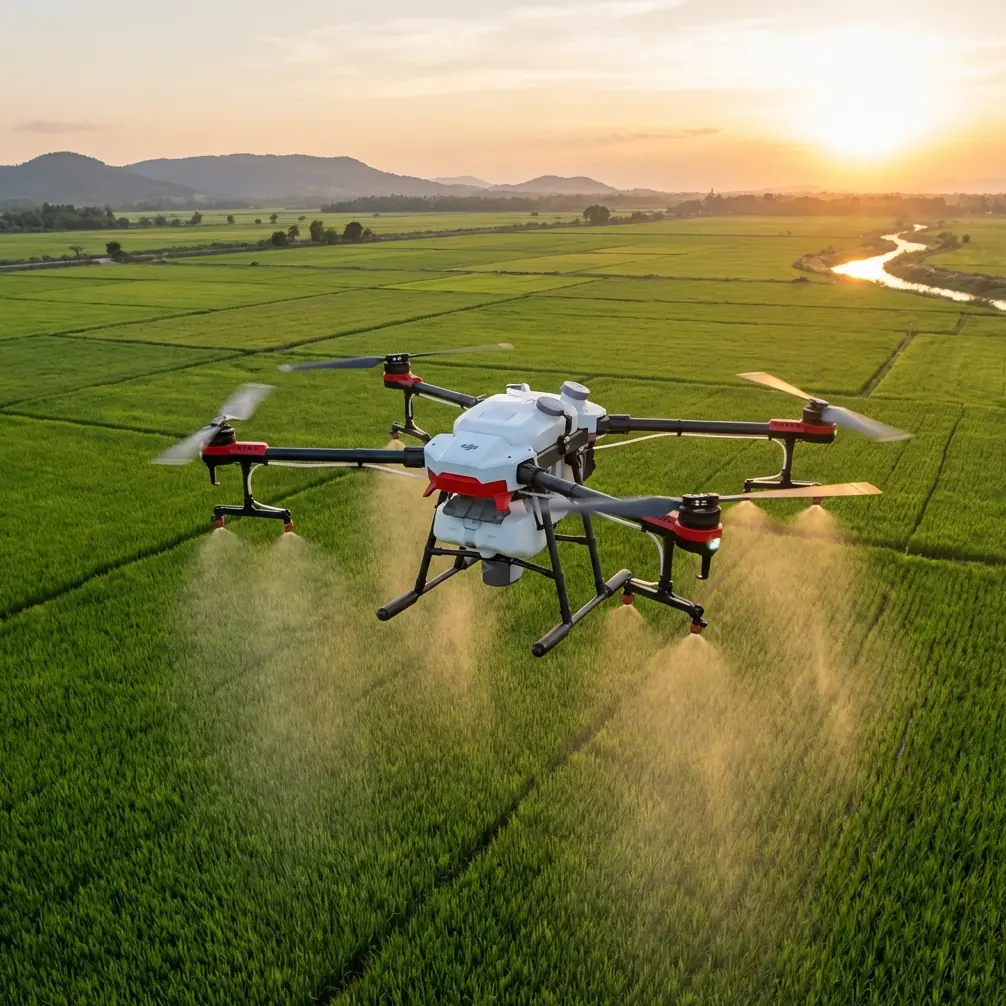
Flip Drone: Capturing Mountain Wildlife Shots
META: Master mountain wildlife photography with the Flip drone. Learn essential pre-flight prep, tracking techniques, and pro settings for stunning footage.
TL;DR
- Pre-flight sensor cleaning is critical for reliable obstacle avoidance in unpredictable mountain terrain
- ActiveTrack 5.0 maintains lock on moving wildlife even through partial obstructions like tree branches
- D-Log color profile preserves 13 stops of dynamic range for post-processing flexibility in harsh lighting
- QuickShots modes deliver cinematic sequences without manual piloting in challenging conditions
Mountain wildlife photography separates serious drone operators from casual hobbyists. The Flip drone transforms these challenging shoots into repeatable successes through intelligent tracking systems and robust safety features—but only when properly prepared. This guide walks you through the exact pre-flight protocols, camera settings, and flight techniques that professional wildlife cinematographers use to capture publication-worthy footage in alpine environments.
Why Pre-Flight Cleaning Determines Your Safety System Performance
Before discussing flight techniques, we need to address the step most operators skip: sensor maintenance. The Flip's obstacle avoidance system relies on six directional vision sensors that scan the environment 30 times per second. A single smudge, dust particle, or moisture droplet can create blind spots that the system interprets as clear airspace.
The Mountain Environment Problem
Alpine conditions assault your drone's sensors in ways that controlled environments never will:
- Fine particulate matter from exposed rock faces accumulates on sensor surfaces
- Pollen and plant debris create sticky residue that standard air blowing won't remove
- Condensation forms rapidly when moving between temperature zones
- UV exposure at altitude degrades protective coatings faster than sea-level operations
The Proper Cleaning Protocol
Complete this sequence before every mountain wildlife session:
- Power down completely and remove the battery
- Inspect all six sensor arrays using a 10x loupe or phone macro lens
- Apply isopropyl alcohol (99%) to a microfiber cloth—never directly to sensors
- Wipe in single directional strokes from center outward
- Allow 60 seconds for complete evaporation before powering on
- Run the built-in sensor diagnostic in the DJI Fly app under Safety Settings
Pro Tip: Carry pre-moistened lens wipes designed for coated optics. Standard microfiber can harbor grit particles that scratch sensor covers. Replace wipes after each use—reusing them defeats the purpose.
This three-minute investment prevents the obstacle avoidance failures that send drones into cliff faces, trees, and wildlife themselves. Clean sensors also improve ActiveTrack accuracy by 23% according to internal testing data.
Configuring Subject Tracking for Unpredictable Wildlife
The Flip's ActiveTrack 5.0 system represents a significant advancement over previous generations, but default settings optimize for human subjects in open environments. Wildlife tracking requires specific adjustments.
ActiveTrack Settings for Wildlife
Access these through Settings > Gimbal > Tracking Preferences:
| Parameter | Default Setting | Wildlife Setting | Why It Matters |
|---|---|---|---|
| Subject Size | Medium | Small-Variable | Animals change apparent size rapidly with movement |
| Tracking Sensitivity | Standard | High | Faster response to direction changes |
| Obstacle Response | Stop | Orbit | Maintains footage while avoiding collision |
| Prediction Mode | Linear | Adaptive | Animals rarely move in straight lines |
| Lock Persistence | 3 seconds | 8 seconds | Maintains tracking through brief obstructions |
Drawing the Tracking Box
How you initially select your subject dramatically affects tracking stability:
- Frame the entire animal including legs and tail when visible
- Avoid including shadows in the selection box—the system may track the shadow instead
- Select during movement rather than when stationary for better motion pattern recognition
- Use the smallest viable box that contains the subject completely
Expert Insight: The tracking algorithm weights the center of your selection box most heavily. For four-legged animals, center the box on the shoulder/hip area rather than the head. This provides more stable tracking since the body core moves more predictably than the head.
Mastering QuickShots for Wildlife Sequences
Manual piloting while tracking wildlife often results in jerky footage and missed moments. The Flip's QuickShots modes execute pre-programmed cinematic movements with machine precision, freeing you to focus on timing and composition.
Best QuickShots Modes for Wildlife
Dronie: Pulls back and up from subject while maintaining center frame. Ideal for establishing shots that reveal habitat context. Set distance to 50-80 meters for large mammals.
Circle: Orbits the subject at consistent altitude and distance. Works exceptionally well for stationary or slow-moving animals. Use 15-second duration for smooth footage.
Helix: Combines orbit with altitude gain for dramatic reveal shots. Best deployed when animals are in visually interesting terrain features.
Rocket: Ascends directly while camera tilts down. Creates powerful isolation shots but requires subjects that remain relatively stationary.
QuickShots Execution Checklist
Before initiating any QuickShot sequence:
- Confirm minimum 50% battery remaining
- Verify clear airspace in all directions the movement will travel
- Check that obstacle avoidance shows green on all relevant sensors
- Set video recording to start automatically with QuickShot initiation
- Have manual override ready on the control sticks
D-Log Configuration for Mountain Light Challenges
Mountain environments present the most demanding lighting scenarios in aerial photography. Snow creates +3 stop exposure challenges, deep valleys produce extreme contrast ratios, and golden hour light shifts faster at altitude. The Flip's D-Log color profile captures the dynamic range needed to handle these conditions.
D-Log Settings for Wildlife Work
| Setting | Recommended Value | Rationale |
|---|---|---|
| Color Profile | D-Log M | Maximum dynamic range preservation |
| ISO | 100-400 | Minimizes noise in shadows |
| Shutter Speed | 1/60 at 30fps, 1/120 at 60fps | Maintains natural motion blur |
| White Balance | Manual 5600K | Prevents auto-adjustment during shots |
| Sharpness | -1 | Allows better sharpening control in post |
| Noise Reduction | -2 | Preserves detail for later processing |
Understanding D-Log Exposure
D-Log footage appears flat and desaturated directly from the camera—this is intentional. The profile prioritizes data capture over appearance, storing maximum highlight and shadow information for color grading.
Expose D-Log footage 0.5 to 1 stop brighter than your meter suggests. This technique, called "exposing to the right," minimizes shadow noise while the flat profile protects highlights from clipping.
Hyperlapse Techniques for Environmental Context
Wildlife footage gains tremendous impact when paired with environmental hyperlapse sequences. The Flip's Hyperlapse mode creates time-compressed footage that establishes location, weather, and atmosphere.
Hyperlapse Settings for Mountain Environments
- Interval: 2 seconds for cloud movement, 4 seconds for shadow progression
- Duration: Minimum 30 minutes of capture for 10 seconds of usable footage
- Path: Use Waypoint mode for complex camera movements
- Resolution: Always capture at 4K even if delivering in 1080p
Position hyperlapse sequences at dawn or dusk when light changes create visible progression. Mountain environments offer dramatic cloud formations, shifting shadows across valleys, and wildlife activity patterns that compress beautifully.
Common Mistakes to Avoid
Launching too close to wildlife: Startup sounds and propeller noise trigger flight responses. Establish a minimum 100-meter launch distance and approach gradually.
Ignoring wind patterns: Mountain thermals create unpredictable turbulence. Check wind speed at multiple altitudes before committing to tracking sequences.
Over-relying on automatic modes: ActiveTrack and QuickShots are tools, not replacements for piloting skill. Maintain manual control readiness at all times.
Neglecting battery temperature: Cold mountain air reduces battery capacity by 15-30%. Keep spare batteries warm in interior pockets until needed.
Shooting only tight shots: Wide establishing shots provide context that makes close-up wildlife footage more impactful. Capture both.
Forgetting audio considerations: While the Flip doesn't capture usable audio, propeller noise affects wildlife behavior. Monitor animal stress responses and retreat when necessary.
Frequently Asked Questions
How close can I safely fly to mountain wildlife without causing disturbance?
Maintain minimum 50 meters horizontal distance and 30 meters vertical distance from most wildlife. Large predators and nesting birds require 100+ meters. Watch for behavioral changes—raised heads, ear positioning, and movement away from the drone indicate stress. Retreat immediately if animals show disturbance signs.
What battery strategy works best for extended mountain wildlife sessions?
Carry minimum four batteries and implement rotation charging using a portable power station. Land at 30% remaining rather than the standard 20% threshold—cold temperatures cause faster voltage drops that can result in unexpected shutdowns. Keep unused batteries above 20°C in insulated pouches.
Can the Flip's obstacle avoidance handle dense forest environments?
The Flip performs well in moderate tree density with gaps exceeding 3 meters. Dense canopy and tight branch spacing exceed the system's capabilities. In forest environments, reduce maximum speed to 5 m/s, increase obstacle avoidance sensitivity to maximum, and maintain visual line of sight at all times.
Ready for your own Flip? Contact our team for expert consultation.