
Flip Guide for Filming Fields in Complex Terrain
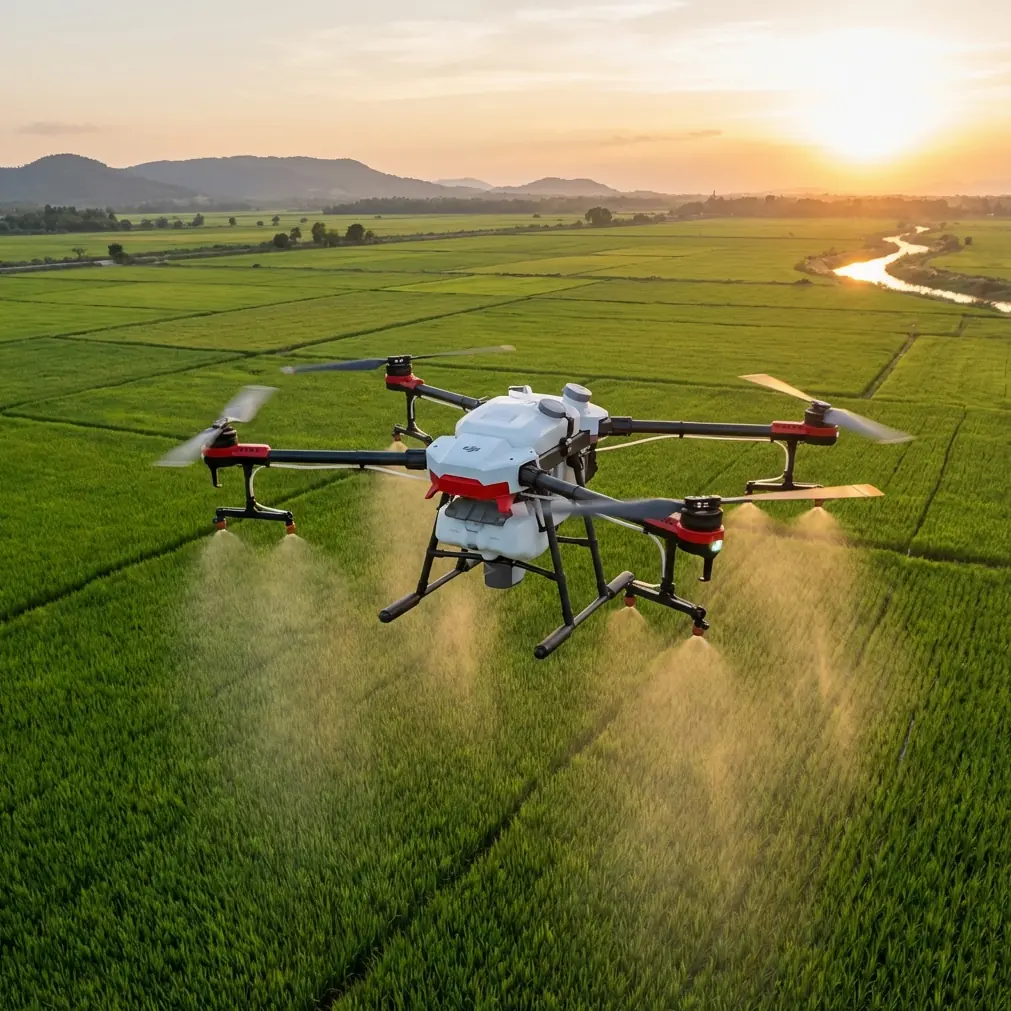
Flip Guide for Filming Fields in Complex Terrain
META: A practical tutorial for filming fields with Flip in uneven, obstacle-heavy terrain, covering obstacle avoidance, ActiveTrack, QuickShots, Hyperlapse, and D-Log from a photographer’s perspective.
I learned the hard way that fields are not simple places to film.
From the road, farmland can look open and forgiving. Get a drone in the air and the truth appears fast: rolling ground changes your apparent altitude, tree lines interrupt clean passes, irrigation gear sneaks into frame, and light shifts across large areas faster than most people expect. Add slopes, terraces, hedgerows, drainage channels, or scattered utility poles, and a “simple field shoot” becomes a technical exercise in timing, positioning, and risk management.
That is exactly where Flip becomes useful.
This is not a generic overview. It is a field-focused tutorial built around a real shooting problem: capturing agricultural landscapes in complex terrain without coming home with shaky footage, broken continuity, or a flight log full of near-misses. If your goal is to film fields that feel cinematic and readable, while still working efficiently, Flip’s combination of obstacle avoidance, subject tracking, ActiveTrack, QuickShots, Hyperlapse, and D-Log changes the job in practical ways.
I’m approaching this as Jessica Brown, a photographer who moved into drone work because still images could not fully describe the shape of land. The first time I tried to film stepped farmland on a hillside, I made every classic mistake. My altitude drifted visually because the slope kept rising beneath the drone. I lost framing when the tractor I was following passed near a stand of trees. My automatic shots looked pretty, but they did not explain the terrain. And when I got back to edit, the contrast between bright sky and darker ground made the footage harder to grade than I had planned.
Flip made that workflow cleaner, not because it removes skill from the process, but because it supports better decisions in the air.
Why field filming gets difficult faster than expected
Complex terrain creates three separate challenges at once.
The first is clearance management. A drone flying over a level field can hold a visually consistent height with minimal correction. Over sloped or broken ground, that same flight path can become uneven in seconds. A pass that starts comfortably above crops can feel too low as the ground rises, especially near terraces, embankments, or access roads cut into the land.
The second is subject continuity. If you are tracking a vehicle, a worker, or even a winding path through planted rows, obstacles matter. Trees, poles, shelterbelts, and farm structures can interrupt line of sight and force rushed manual input. That usually shows up in footage as hesitation.
The third is tonal range. Fields are full of extreme contrast: reflective water channels, pale soil, dark hedges, bright cloud, deep shadow. If you want footage that grades well later, capture settings matter from the beginning.
Those are not abstract issues. They directly affect whether your final video explains the land or merely glides over it.
Start with the shot plan, not the flight
When I film fields with Flip, I do not begin by launching. I begin by identifying what the terrain is doing.
Ask four questions before takeoff:
- Where does the ground rise or fall most sharply?
- What fixed obstacles could interrupt a lateral or forward pass?
- What moving subject, if any, deserves tracking?
- What is the final story: scale, productivity, texture, route, or seasonal change?
That last question matters more than people think. A broad reveal of contoured fields calls for a different setup than a tracking shot of a utility vehicle moving between plots. Flip’s intelligent modes can save time, but only when the shot objective is clear.
If the terrain is visually complicated, I usually build the sequence in layers:
- one establishing orbit or elevated reveal
- one directional pass that explains the shape of the land
- one tracking shot of movement inside the landscape
- one compressed or lower-angle detail pass
- one time-based shot, often Hyperlapse, if changing weather or long field lines add value
This structure keeps the footage coherent in edit.
Obstacle avoidance is not just about safety
Obstacle avoidance tends to get discussed like a protective feature only. In field work, it is also a creative stabilizer.
Here is why. In complex terrain, a pilot often spends too much attention on not clipping a branch or crossing too close to a pole. That steals attention from framing and motion consistency. When Flip’s obstacle avoidance is doing its job, you have more mental bandwidth to maintain the line of the shot, preserve subject placement, and keep speed changes subtle.
That matters most along field edges. Some of the best agricultural footage comes from transition zones where cultivated ground meets tree lines, fences, roads, or drainage cuts. Those areas are visually rich, but they are also where manual flying gets twitchy. Obstacle avoidance helps you hold confidence in tighter compositions without turning the footage into a nervous compromise.
That does not mean flying carelessly. It means you can plan more ambitious lines near uneven borders because the aircraft is supporting your awareness.
ActiveTrack and subject tracking in real farmland conditions
If you have ever tried following a tractor, ATV, or worker walking a contour path, you already know the problem: the subject is rarely moving through a clean empty space. It disappears partially behind vegetation, changes apparent speed on hills, and drifts relative to the frame as the landscape bends.
This is where ActiveTrack and subject tracking become operationally significant.
Used properly, they reduce the constant micro-corrections that usually ruin otherwise good field footage. Instead of manually chasing the subject with overcorrection on yaw and pitch, you can let Flip maintain more stable attention on the moving element while you supervise composition and route.
For me, that changed one specific type of shot: the side-follow along irregular field access roads. Before, I would often lose the vehicle against background clutter or drift too much in distance while trying to avoid isolated trees. With ActiveTrack engaged, the shot became less about frantic control inputs and more about deciding how much environment to include. That is a different creative headspace, and the footage shows it.
The key is choosing subjects that visually separate from the background. Mud-brown machinery against dark soil at dusk is always harder than a bright vehicle in morning light. Tracking technology helps, but contrast and visibility still matter.
Use QuickShots selectively, not as a substitute for thinking
QuickShots are useful in farmland, but not every field benefits from every automated move.
A quick orbit around a lone tree in the middle of planted lines may look elegant, yet say almost nothing about the agricultural layout. On the other hand, a reveal move that starts lower and opens up to show terraces or segmented plots can immediately communicate why the terrain is challenging.
That is where QuickShots earn their place: repeatable camera motion for short setup windows.
If weather is shifting or field activity is brief, QuickShots let you secure polished coverage quickly. I often use them early in a session as insurance. If light collapses later, I still have one or two clean dynamic clips that establish the landscape. Then I move into more manual or semi-assisted flights for the story-driven material.
The mistake is leaning on them too heavily. Automated motion is smooth, but fields with complex terrain need interpretation. You still have to decide what deserves emphasis.
Hyperlapse is ideal for showing terrain logic
Hyperlapse can be one of the most underrated tools for farmland storytelling.
A field filmed in real time often looks calm and static, even when the place is operationally busy. Hyperlapse changes that by revealing movement patterns: cloud shadows sweeping over sloped parcels, vehicles crossing access tracks, workers moving between zones, or light gradually separating one ridge from another.
In hilly or segmented farmland, that time compression helps viewers understand the structure of the land. Instead of just seeing “a field,” they see exposure differences, directional lines, and terrain breaks.
One of my favorite uses for Flip in this setting is a Hyperlapse from a fixed or gently shifting vantage that overlooks multiple levels of farmland. If the weather is active, the result can explain more about the site in a short clip than several ordinary passes.
This is especially useful for clients who want not only beauty footage, but context.
D-Log is where your edit starts paying off
D-Log matters in field filming because agriculture often combines bright highlights and low-contrast detail in the same frame.
A midday sky can blow out while the textures in darker soil, vegetation edges, or irrigation lines disappear into compression if your capture is too limited. D-Log gives you more flexibility in post, especially when you need to preserve subtle transitions across large landscapes.
That has practical significance, not just aesthetic value.
If you are documenting fields for a grower, land manager, or rural property brand, the terrain itself has to read clearly. You want the viewer to understand ridges, rows, contour shifts, and land boundaries without the image turning brittle or oversaturated. D-Log gives you more room to shape those tones carefully later.
I would still recommend discipline at capture. Expose thoughtfully. Watch the sky. Avoid assuming a flat profile will rescue careless footage. But when conditions are mixed, D-Log gives Flip a stronger foundation for professional-looking results.
My preferred workflow for filming complex fields with Flip
Here is the practical sequence I use most often.
1. Walk the edge before launch
Do not rely on an aerial guess. Walk enough of the perimeter to identify poles, trees, wires, uneven rises, and hidden reflective surfaces such as water channels. Complex terrain often looks simpler from above than it behaves at low altitude.
2. Capture one high establishing shot first
Get the whole field system in view early. This is your orientation layer in the edit. If weather changes or activity ends, you already have the geography covered.
3. Use obstacle avoidance for edge work
When filming near tree lines, embankments, or structures, obstacle avoidance lets you commit to cleaner routes with less input panic. That is where the feature has real operational value.
4. Apply ActiveTrack only when the subject is visually readable
Track a moving vehicle, rider, or worker when separation from the background is decent. If the subject blends into the terrain too much, manual control may still produce better results.
5. Add one QuickShot for tempo
A concise automated reveal or orbit can give the edit rhythm. Keep it purposeful.
6. Shoot at least one Hyperlapse if the landscape has changing light
This is especially effective over ridged fields, terraced ground, or places where cloud movement reshapes the image across minutes.
7. Record in D-Log when the contrast is high
If you are balancing sky detail with darker earth tones, give yourself room in post.
A note on communication in the field
If you are filming someone else’s land, clear communication matters almost as much as flying skill. Agricultural spaces are active workplaces. Equipment moves, schedules change, and field access may shift hour by hour. I usually confirm the route, active work zones, and any no-fly sensitivities before unpacking the drone. If you need help arranging a practical setup or discussing a field-shoot scenario, you can message here.
What Flip changed for me
The biggest difference was not that it made field filming easier in a vague sense. It made specific weak points more manageable.
Obstacle avoidance reduced the tension of filming near irregular borders. ActiveTrack made moving subjects usable in landscapes that would normally break the shot. QuickShots helped secure reliable coverage when time was thin. Hyperlapse turned static landforms into readable sequences. D-Log gave me more control over difficult contrast when editing.
Each of those features matters on its own. Together, they make Flip a stronger tool for a photographer trying to tell the story of land rather than just collect aerial clips.
That distinction is everything.
Fields in complex terrain deserve more than generic drone footage. They have structure, labor, weather, and rhythm. If you film them thoughtfully, viewers can feel all of that. Flip does not replace judgment, but it gives that judgment better support in the air and a better starting point in post.
Ready for your own Flip? Contact our team for expert consultation.