
Flip Best Practices for Inspecting Construction Sites in Ext
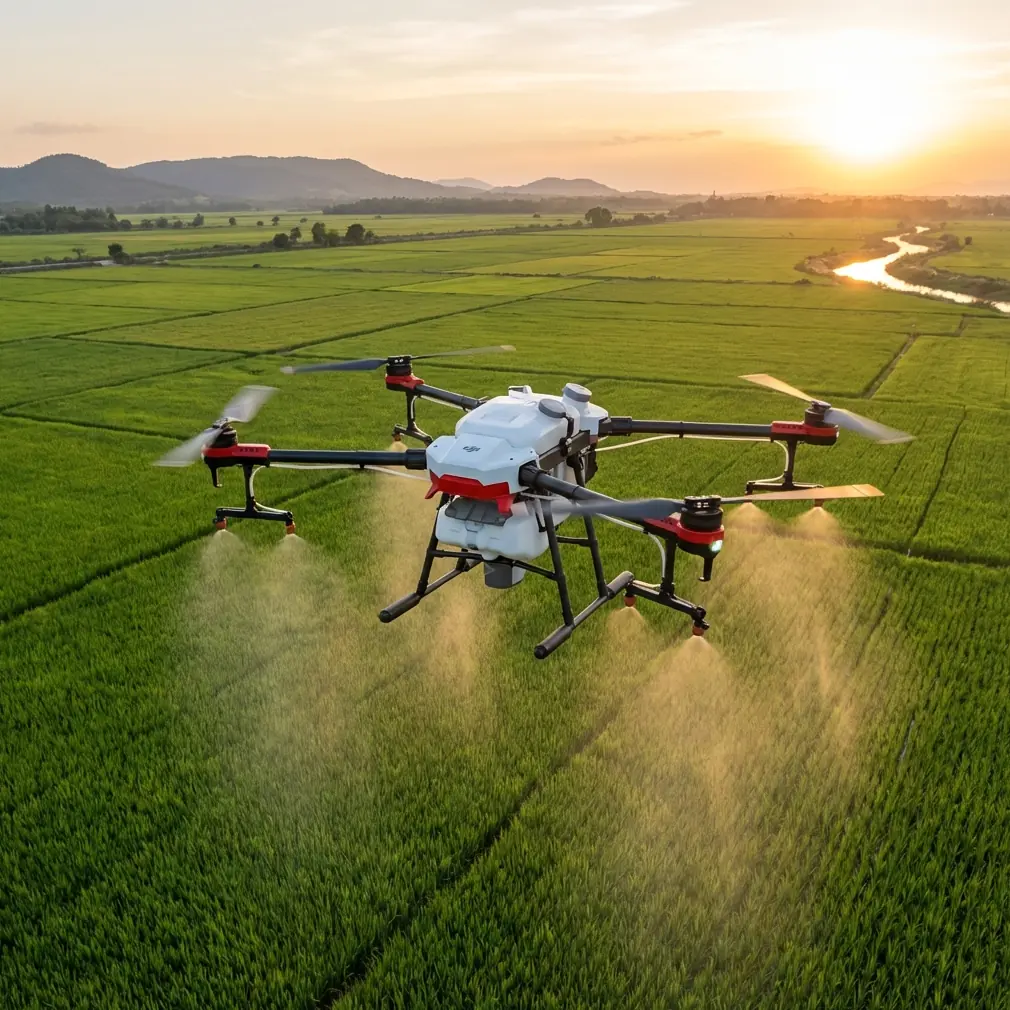
Flip Best Practices for Inspecting Construction Sites in Extreme Temperatures
META: Learn how to use Flip for construction site inspections in extreme heat and cold, with practical advice on flight setup, obstacle avoidance, tracking, image settings, and accessory choices.
Construction sites do not wait for perfect weather. Concrete gets poured in summer glare. Steel goes up in wind-chilled mornings. Roofing, façade work, earthmoving, and utility installation all continue when the temperature is punishing for crews and hard on aircraft. That is exactly where a compact drone like Flip can become either a reliable field tool or a frustrating liability, depending on how it is prepared and flown.
This guide is built for that reality. Not studio demos. Not casual weekend flights. Real inspection work on active jobsites where reflective surfaces, dust, wind channels, machinery, and temperature extremes change the margin for error.
If you are using Flip to inspect construction sites in severe heat or cold, the goal is not simply to get airborne. The goal is to return with stable footage, repeatable visual records, and enough battery confidence to finish the task without forcing risky decisions in the air.
Start with the environment, not the drone
On a construction site, temperature is never just a comfort issue. It alters battery behavior, sensor performance, visibility, and even how the site itself looks from the air.
In extreme heat, the biggest problem is often cumulative stress. The aircraft may launch normally, but a hot landing pad, direct sun exposure, and long hover periods can push temperatures up quickly. Warm batteries also tend to drain faster when you are repeatedly climbing, braking, and repositioning around structures. Add concrete dust and reflected heat from roofing membranes or steel decking, and the operating envelope tightens fast.
Cold weather flips the problem. You may begin the mission with what looks like a full battery, only to see voltage sag once the aircraft starts pulling power under load. That matters during inspection patterns that involve vertical climbs, repeated stops, or strong wind corrections near partially enclosed structures. In practical terms, winter flights can feel normal until they don’t.
That is why the first best practice is simple: build your mission around the thermal reality of the site. If you are inspecting in extreme temperatures, shorten your planned sortie length, reduce unnecessary hovering, and identify your must-capture shots before takeoff.
Pick the right inspection objective before using smart modes
Flip includes automated features that are useful, but construction inspection is one of those jobs where convenience can quietly work against accuracy if you let the mode decide the mission.
For example, Subject tracking and ActiveTrack can help when you need to document moving equipment routes, monitor material deliveries, or follow a walking superintendent through a large site for progress documentation. Used well, those tools reduce pilot workload and create a smoother visual record.
But on an extreme-temperature site, automation should support the inspection, not replace pilot judgment. Heat shimmer above roofs, rising dust, and cluttered crane lines can all affect how well the aircraft interprets the scene. The same goes for cold-weather glare, low-angle winter sun, and repetitive visual patterns like scaffolding or rebar grids.
The operational takeaway is this: use ActiveTrack when movement itself is the thing you are documenting. Use manual flight when structural condition, clearance, or precise framing matters more.
That distinction sounds minor until you are trying to inspect edge flashing on a sun-baked roof while the aircraft keeps prioritizing a broader moving subject. In a jobsite setting, smart tracking is helpful, but inspection quality still depends on disciplined shot planning.
Obstacle avoidance matters most when construction geometry gets messy
Obstacle avoidance is often described as a safety feature. On active sites, it is really a workflow stabilizer.
Construction environments are full of partial obstacles. Not a clean tree line or a single building façade, but cables, temporary fencing, telehandlers, formwork, protruding steel, scaffold wrap, and half-finished corners that change day by day. In extreme temperatures, pilots are also more likely to rush. Gloves in cold weather, sweat and glare in hot weather, and general fatigue can all reduce stick precision.
This is where obstacle avoidance earns its keep. It gives the pilot more breathing room during close-in visual work, especially when orbiting around incomplete structures or shifting laterally to inspect elevations. It is not there to justify reckless proximity. It is there to help prevent minor misjudgments from becoming broken propellers or worse.
Operationally, obstacle avoidance is most valuable during three moments:
- Slow side-pass inspections along façades or structural frames
- Backing away after a close visual check
- Repositioning around blind corners created by partially completed buildings
Still, never assume the system sees everything the site can throw at it. Fine wires, netting, narrow rods, and low-contrast edges remain a risk. In severe heat, visual distortion can also make depth judgment harder for the pilot, which means you should keep more standoff distance than you would on a calm, cool day.
Use image settings that preserve evidence, not just aesthetics
Construction inspection footage has to do more than look good. It has to hold detail when you review it later in the office, often on a larger screen and sometimes alongside previous captures.
That is why D-Log matters here. If the site includes bright reflective materials and deep shadows under overhangs or structural members, a flatter profile gives you more flexibility when balancing highlights and dark areas afterward. That extra latitude is useful when you are trying to verify surface condition, standing water patterns, material staging, or façade consistency across changing light.
In extreme heat especially, hard midday contrast can destroy the utility of otherwise well-framed footage. On cold clear days, snow, frost, and bright sky can do the same. D-Log helps preserve information you may need later, even if the preview on the controller looks less punchy in the moment.
The practical rule is straightforward:
- Use D-Log for inspection flights where post-processing and comparison matter
- Use standard color only when speed of delivery matters more than grading flexibility
Hyperlapse and QuickShots also have a place, but they are not the heart of technical inspection work. Hyperlapse is genuinely useful for showing day-scale or week-scale progression on large developments, especially if you repeat a route from the same vantage point. QuickShots can help produce stakeholder updates when you want a polished visual summary of the site. Neither should be your primary capture method for condition verification. They are supplements, not substitutes.
Battery discipline becomes more important in extreme temperatures
A lot of preventable inspection failures start on the ground.
In hot conditions, do not leave batteries sitting in direct sun on a tailgate, cart, or concrete slab. That adds unnecessary thermal load before takeoff even begins. In cold conditions, do the opposite: keep batteries warmer before flight so they start from a healthier operating point. A battery that begins the mission too cold may show acceptable percentage, yet behave poorly once the aircraft demands sustained power.
For Flip inspections, that means you should rotate packs deliberately and log which ones were exposed to ambient extremes longest. If you are on a site for several hours, the difference between the first flight battery and the fourth can be significant even when all of them look ready in the case.
A simple field rule helps: if the weather is severe, treat your displayed battery percentage as less trustworthy than your actual mission clock and distance from home point. That mindset keeps pilots from stretching “just one more pass” into an avoidable recovery problem.
The accessory that quietly improves results
One third-party accessory can make an outsized difference on extreme-temperature construction inspections: a high-quality landing pad.
That may sound underwhelming compared with more obvious add-ons, but on active jobsites it solves several real problems at once. In summer, it separates the aircraft from superheated ground surfaces and loose dust. In winter, it keeps the drone out of slush, frost, or debris-laced mud. It also gives crews a repeatable launch point for comparison flights over time.
That repeatability matters. If you are documenting grading changes, façade progress, crane placement, or rooftop installations across multiple visits, launching from the same spot helps produce more consistent reference imagery. On harsh sites, consistency is operational value.
A well-made third-party pad also reduces the chance of rotor wash pulling in abrasive dust during takeoff and landing. On construction sites, dust is not just cosmetic. It can affect gimbal cleanliness, lens clarity, and long-term reliability. For pilots working in heat and wind, that single accessory often improves both aircraft protection and data quality more than flashier upgrades would.
Plan your route around thermal stress zones
Most sites have local microclimates. A broad open lot may be relatively manageable, while the roof edge over black membrane feels dramatically hotter. A north-facing concrete wall in winter may create turbulence and shade, while a glass façade nearby throws glare into both the pilot’s screen and the aircraft’s sensors.
Before the first inspection pass, identify the site’s thermal stress zones:
- Roofs with dark surfaces
- Reflective glazing and metal cladding
- Narrow corridors between structures
- Wind tunnels near unfinished framing
- Dust-heavy loading or cutting areas
Then fly the route in order of highest value and highest risk first. If the battery or aircraft begins to show signs of environmental strain, you already have the critical material captured.
This is one reason construction teams benefit from repeatable route design. On a severe-weather day, you do not want to improvise twenty separate viewpoints. You want a route card: launch point, first elevation, second elevation, roof edge pass, mechanical yard overview, façade sweep, and recovery. Keep it lean. Inspection discipline beats aerial wandering every time.
Subject tracking is useful for people and equipment, not static defects
There is a tendency to use every smart feature because it is available. Resist that.
Subject tracking is excellent when the inspection question involves movement. How are dump trucks circulating through a constrained area? Is a material lift route interfering with another crew? How does a safety manager’s walking path reveal congestion points on the ground? In those cases, tracking creates a record that is hard to produce consistently by hand.
It is much less useful when the goal is to inspect a fixed condition such as roofing seams, panel alignment, drainage patterns, or concrete edge quality. Static issues need intentional framing and often slower, more exact positioning. Letting the aircraft prioritize a moving subject can dilute the inspection.
So the better question is not “Should I use tracking?” but “What exactly am I trying to prove?” If the answer is about movement, tracking may save time. If the answer is about condition, geometry, or surface detail, take manual control.
Build a repeatable post-flight review process
Extreme-temperature flights can hide problems in the moment. Screens wash out in bright heat. Gloves reduce fine input in cold weather. Wind noise and jobsite activity distract both pilot and observer. That is why your workflow should include a short review after each critical flight, not only at the end of the day.
Check for:
- Softness caused by dust or lens contamination
- Exposure loss around bright roof edges or snow
- Missed clearance details on upper façades
- Tracking drift when using ActiveTrack
- Incomplete coverage of priority areas
If you catch those issues immediately, you can refly while the site conditions are still comparable. If you discover them hours later back at the desk, the job may already have changed.
For teams managing recurring inspections, it also helps to standardize naming and route notes. A clean archive of repeated flights becomes more than media storage. It becomes a project record.
A practical field setup for Flip on harsh jobsites
A strong Flip inspection workflow in extreme temperatures is not complicated, but it is deliberate.
Bring the aircraft ready to fly, a battery plan that accounts for weather stress, a third-party landing pad, and a defined capture list. Use obstacle avoidance as a buffer, not a crutch. Deploy ActiveTrack or Subject tracking only when movement is the real story. Record in D-Log when retaining detail matters. Save Hyperlapse and QuickShots for stakeholder communication and progress context, not primary defect documentation.
If you want to compare field workflows with a pilot who regularly works in demanding site conditions, you can message the team here.
The bigger point is this: Flip works best on extreme-temperature construction inspections when the operator respects the environment as much as the aircraft. Heat and cold do not just affect endurance. They change how the site behaves, how the drone sees, and how the pilot decides. Once you account for that, Flip becomes much more than a convenient camera in the air. It becomes a repeatable inspection instrument that helps teams track change, reduce blind spots, and make faster decisions with better visual evidence.
Ready for your own Flip? Contact our team for expert consultation.