
Expert Forest Inspection With Flip: Dust, Distance
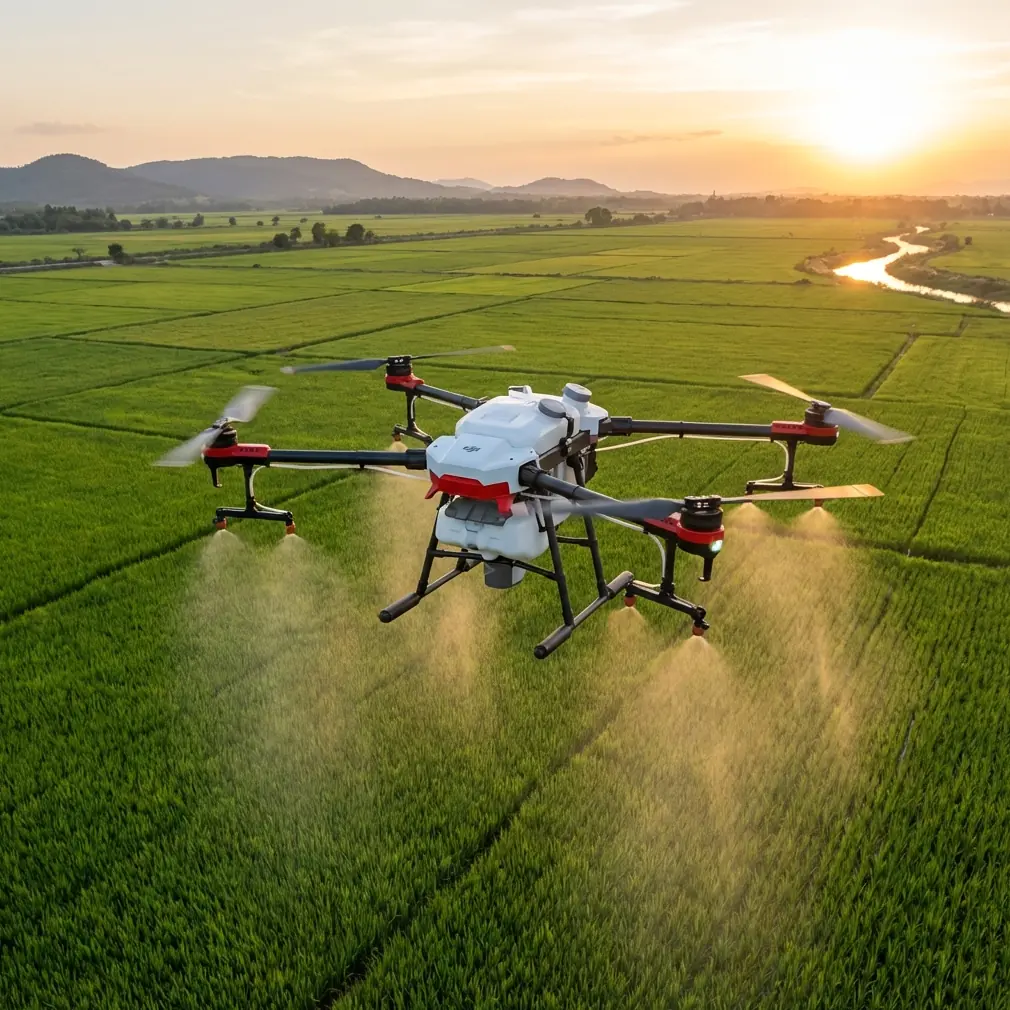
Expert Forest Inspection With Flip: Dust, Distance, and Smarter Flight Setup
META: Learn how to use Flip for forest inspection in dusty conditions, with practical advice on obstacle avoidance, antenna positioning, tracking, D-Log capture, and safer long-range flight planning.
Forest inspection sounds straightforward until you are standing at the edge of a dry stand with airborne dust, uneven light, and a signal path full of trunks, branches, and terrain breaks. That is where setup matters more than marketing copy ever will.
If you are using Flip to inspect forests in dusty conditions, the difference between a clean, useful mission and a frustrating one usually comes down to a handful of field decisions: where you stand, how you orient the controller antennas, when you trust obstacle avoidance, and which automated features actually help instead of getting in the way.
I approach this as a photographer first, but forest work forces you to think like an operator. Beautiful footage is useless if it misses canopy stress, skips a deadfall corridor, or drops signal behind a ridge. Flip is at its best when you treat its intelligent features as tools inside a disciplined inspection workflow, not as substitutes for one.
Start With the Environment, Not the Drone
Dust changes the mission before takeoff. In dry woodland and forestry roads, fine particles can lift quickly from vehicle movement, boots, and rotor wash. That affects visibility near the launch point and can complicate your first moments in the air. It also changes how confidently you can rely on automated sensing. Obstacle avoidance systems are valuable, but in dusty air they are working with a less-than-ideal view of the world.
That does not mean you turn those systems off by default. It means you use them with the right expectations.
In forest inspection, obstacle avoidance is most useful when you are navigating near isolated branches, working along stand edges, or creeping laterally to reveal gaps in canopy structure. It is less reliable as a magic shield in dense, cluttered woodland where fine branches, irregular textures, changing light, and suspended dust all compete for the system’s attention. Operationally, that means you should keep more spacing than you would in open terrain and avoid flying low, fast lines through narrow tree corridors just because the aircraft has sensing onboard.
The same principle applies to subject tracking. Flip’s tracking tools, including ActiveTrack-style behavior, can help when you need to follow a vehicle, a surveyor on foot, or a visible edge line through a clearing. But forests create constant visual interruptions. Trunks cross the frame. Shadows break subject definition. Dust can flatten contrast. If you are documenting a moving crew or following a trail cut, tracking can reduce workload, but only if you maintain a line that gives the camera a clean view and enough lateral separation to recover gracefully when the scene gets messy.
That is a practical distinction. Many operators think in terms of whether a feature exists. Professionals think in terms of when it remains dependable.
Antenna Positioning Is the Range Variable Too Many Pilots Ignore
If you want maximum practical range in a forest environment, antenna positioning deserves the same attention as battery level and route planning.
The mistake I see most often is simple: the pilot points the controller antennas directly at the aircraft as if they were aiming a flashlight. Radio links do not work that way. For the strongest connection, you usually want the broad face of the antenna pattern oriented toward the drone, not the tip pointed at it. In plain field terms, position the controller so the flat sides of the antennas present toward the aircraft’s location, then keep adjusting your body and controller angle as the flight path changes.
This becomes more important in forests because signal loss is rarely caused by pure distance alone. Trees, moisture in vegetation, terrain undulations, parked vehicles, and even your own body can block or weaken the path. In dusty inspection environments, the launch site often ends up near a track, staging area, or roadside shoulder. Those are not always the best places to maintain signal.
A few habits improve results immediately:
- Stand where you have the clearest possible line of sight above low brush and parked equipment.
- Do not let your torso shield the controller from the aircraft, especially when it moves off to your side.
- Reposition yourself early if the route runs behind a hill break, denser stand, or tall treeline.
- Avoid launching from the lowest pocket in the terrain if a small rise nearby gives you a cleaner radio path.
Operationally, this matters because strong signal quality gives you more than distance. It preserves video clarity for inspection decisions, reduces hesitation in command response, and lowers the odds of interruption exactly when you are examining a problem area like storm damage, thinning boundaries, or stressed canopy patches.
If your crews need help planning this kind of setup in the field, this is the sort of issue worth discussing before deployment: message an operator specialist here.
Build Inspection Flights Around Visibility Windows
Forest missions often fail because pilots try to capture everything in one pass. Flip works better when you break the job into flight types.
One pass should be dedicated to broad situational awareness. Fly high enough to map access routes, identify canopy variation, and locate dust plumes or visibility issues near active work zones. Then fly lower, slower, and more deliberately for the details that matter.
This is where QuickShots and Hyperlapse need a reality check. They are powerful tools, but they are not automatically inspection tools. QuickShots can help produce a fast establishing view for client communication, progress documentation, or before-and-after visual context around a forest block. Hyperlapse can show change over time in logging activity, vehicle movement, or shifting dust across a site. Both have value. But neither should replace slow, manually controlled data capture when you need to inspect edge definition, deadwood patterns, erosion around tracks, or crown stress.
The operational significance is straightforward: automated cinematic modes are strongest when they provide context, not when they are asked to carry the core analytical workload.
Used intelligently, they can save time. A short automated reveal of a corridor or stand boundary can give stakeholders immediate orientation. That means less time explaining where the drone was and more time discussing what the imagery actually shows. But when you are near trees, in dusty air, or around uneven ground, keep those automated sequences conservative. Leave room. Monitor the route. Be ready to cancel.
Use D-Log When the Forest Light Gets Complicated
Forest light is brutally inconsistent. Openings in the canopy can be intensely bright while the understory drops into deep shadow. Add dust, and the scene gets even harder. Airborne particles can wash out highlights in one direction and reduce contrast in another. If you are recording footage for later review rather than only live observation, D-Log can be one of the most useful choices on Flip.
Why? Because inspection often depends on retaining subtle tonal information. You may need to distinguish between healthy and stressed foliage, read surface texture on tracks, or recover detail from shaded areas that looked too dark during flight. A flatter capture profile preserves more flexibility in post-processing.
That does not mean every mission should be shot that way. D-Log asks more of your workflow. Someone has to process the footage properly. But if the objective includes reporting, documentation, or evidence over time, the extra grading step can deliver cleaner analytical value than a heavily baked-in look.
This is one of those details that sounds like a camera preference but becomes an operational advantage. Better highlight and shadow retention means fewer missed details when conditions are visually chaotic.
ActiveTrack Has a Place, but It Needs Space
For forest inspections, ActiveTrack-style functionality is most useful at the margins of the environment rather than deep inside the clutter.
Think about a vehicle moving along a service road, a forestry worker walking a perimeter, or a machine entering a clearing. In those situations, tracking can create a consistent visual record without forcing the pilot to manually manage every framing adjustment. That reduces workload and can free attention for airspace awareness and route safety.
But the feature is only as good as the visual continuity it receives. In dense timber, brief occlusions happen constantly. One trunk crossing between the camera and target can be enough to force a reacquisition event. Dust makes that harder. Harsh shafts of sunlight make it harder still.
So the better method is to use tracking where the path is predictable and the background separation is strong. Keep altitude and offset generous enough that the aircraft has recovery room. If the subject enters denser cover, switch back to manual control before the software is forced into a bad decision.
That is not a limitation unique to Flip. It is simply how intelligent flight features should be used in real operations: with clear entry conditions and clear exit conditions.
A Better Field Routine for Dusty Forest Work
A practical Flip mission in this environment should feel almost boring before takeoff. Boring is good. It means you have already solved the obvious problems.
My preferred sequence is simple.
Arrive and watch the site for a few minutes before powering anything up. See how dust is moving. Check whether vehicles are creating temporary visibility walls. Look at the treeline and identify where your signal path will degrade first. Decide where the drone will be hardest to see against the background. Then choose a launch point that gives you both an unobstructed climb and a stronger controller-to-aircraft path.
After takeoff, spend the first minute confirming three things: stable hover behavior, acceptable video clarity, and clean control response. If any of those feel compromised, fix the reason early. Do not push deeper into the stand hoping it will improve.
Then segment the flight:
- high overview pass
- low inspection pass
- targeted stills or slow video on anomalies
- optional contextual QuickShot or Hyperlapse only if space and conditions allow
This structure reduces rushed decision-making. It also gives you usable output even if conditions deteriorate and you have to stop early.
What Flip Does Well in This Role
Flip is well suited to inspection work when the operator takes advantage of its layered feature set without letting automation dictate the mission. Obstacle avoidance helps as a margin of safety. Subject tracking and ActiveTrack can assist with repeatable movement documentation. QuickShots and Hyperlapse can build context around a site visit. D-Log supports more serious review when lighting is difficult.
Those details matter because forest inspection is not one task. It is really three jobs happening at once: safe flight in a cluttered environment, visual documentation in challenging light, and decision-making under time pressure. A platform that supports all three is useful. A pilot who understands when to lean on each feature is what makes the result reliable.
The biggest gains, though, still come from fundamentals. Good line of sight. Correct antenna orientation. Conservative spacing from canopy and branches. A realistic understanding of what dust does to visibility and sensing. Those are not glamorous points, but they are the ones that decide whether you come back with dependable material.
If you are inspecting forests in dry conditions with Flip, treat every smart feature as an assistant. Keep command of the mission architecture yourself. That is how you get cleaner footage, steadier links, and far fewer surprises once you are out beyond the launch point.
Ready for your own Flip? Contact our team for expert consultation.