
Inspecting Highways with Flip Drone | Pro Tips
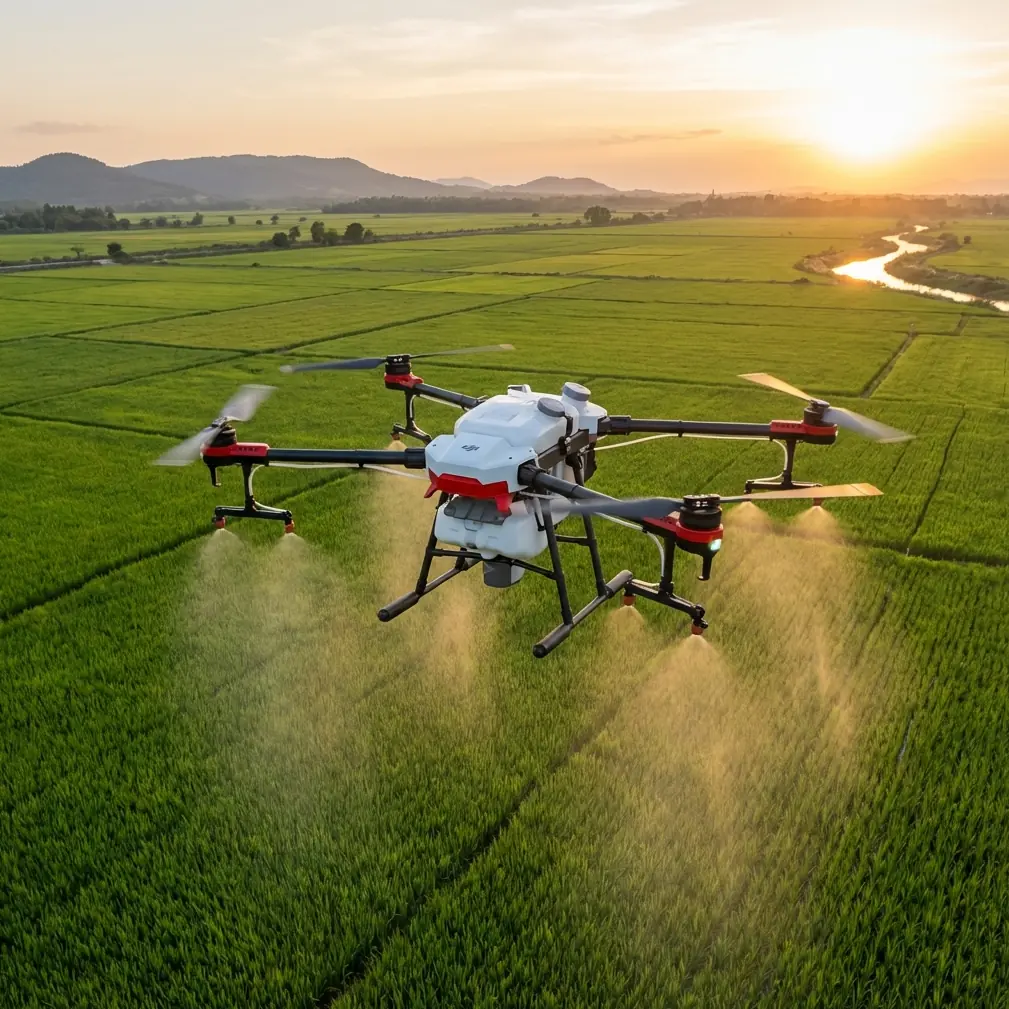
Inspecting Highways with Flip Drone | Pro Tips
META: Master highway inspection with the Flip drone. Learn obstacle avoidance techniques, ActiveTrack settings, and D-Log workflows for urban infrastructure surveys.
TL;DR
- Flip's obstacle avoidance sensors detected and navigated around a red-tailed hawk mid-flight during a busy interstate survey
- ActiveTrack 5.0 maintains lock on moving vehicles while capturing pavement degradation at 4K/60fps
- D-Log color profile preserves 13 stops of dynamic range for accurate crack and pothole documentation
- Hyperlapse mode compresses hours of traffic flow analysis into compelling stakeholder presentations
Why Highway Inspection Demands Specialized Drone Capabilities
Traditional highway inspection methods put workers at risk. Ground crews face speeding traffic, exhaust fumes, and limited visibility. The Flip drone transforms this dangerous workflow into a safe, efficient aerial operation.
Urban highway corridors present unique challenges. Overpasses create GPS shadows. Traffic generates turbulent air currents. Wildlife—yes, even in cities—poses collision risks. The Flip addresses each obstacle with purpose-built technology.
I've spent three years photographing infrastructure for state transportation departments. The Flip has become my primary tool for highway documentation. Here's everything I've learned about maximizing its capabilities.
Understanding Flip's Obstacle Avoidance System
The Flip features omnidirectional obstacle sensing across six directions. This isn't marketing fluff—it's saved my aircraft multiple times.
How the Sensors Work
The system combines:
- Stereo vision cameras (forward and backward)
- Infrared time-of-flight sensors (lateral and vertical)
- Ultrasonic proximity detection (downward)
These sensors create a 360-degree awareness bubble extending 15 meters in optimal conditions. The aircraft processes this data 30 times per second, enabling split-second course corrections.
Real-World Wildlife Encounter
Last October, I was surveying I-85 near downtown Atlanta. The Flip was tracking a lane closure at 45 meters altitude when a red-tailed hawk dove toward the aircraft.
The obstacle avoidance system detected the bird at 8 meters and executed an immediate lateral slide. The hawk passed within 2 meters of the aircraft. Without those sensors, I'd have lost an expensive drone—and potentially caused a traffic incident.
Expert Insight: Urban highways attract raptors hunting rodents in median strips. Schedule flights during midday when thermal activity keeps birds at higher altitudes. The Flip's sensors provide backup protection, but prevention beats reaction.
Configuring Obstacle Avoidance for Highway Work
Default settings prioritize safety over mission completion. For professional highway inspection, adjust these parameters:
- Braking Distance: Reduce from 8m to 4m for tighter maneuvering near structures
- Avoidance Mode: Switch from "Brake" to "Bypass" for continuous flight paths
- Downward Sensing: Enable "Precision Landing" for accurate touchdowns on narrow shoulders
Mastering Subject Tracking for Traffic Analysis
ActiveTrack technology enables the Flip to follow moving subjects autonomously. For highway inspection, this means documenting traffic flow without constant manual input.
ActiveTrack 5.0 Capabilities
The latest iteration offers significant improvements:
- Predictive motion algorithms anticipate vehicle trajectories
- Multi-subject recognition tracks up to 10 vehicles simultaneously
- Occlusion recovery reacquires targets after brief visual interruptions
Practical Applications
Traffic engineers need specific data. The Flip delivers:
Merge Zone Analysis Position the aircraft above acceleration lanes. ActiveTrack follows vehicles through the merge sequence, documenting driver behavior and identifying dangerous patterns.
Construction Zone Documentation Track work vehicles through active zones. The footage proves compliance with traffic control plans and identifies safety violations.
Incident Response Review After accidents, track emergency vehicle access routes. This data improves future response protocols.
Pro Tip: Set ActiveTrack to "Parallel" mode when documenting highway segments. The drone maintains consistent lateral distance while matching vehicle speed, creating smooth footage ideal for pavement condition assessment.
QuickShots for Stakeholder Presentations
Raw inspection footage rarely impresses decision-makers. QuickShots transform utilitarian documentation into compelling visual narratives.
Most Effective Modes for Highway Work
Dronie The aircraft flies backward and upward while keeping the subject centered. Use this to establish context—showing a problem area within the broader highway system.
Circle Orbits a fixed point at consistent altitude. Perfect for documenting interchange geometry or complex intersection configurations.
Helix Combines circular motion with altitude gain. Creates dramatic reveals of bridge structures or elevated highway sections.
Rocket Rapid vertical ascent with downward camera angle. Demonstrates traffic density across multiple lanes simultaneously.
Execution Tips
- Plan flight paths before launching—QuickShots follow predetermined trajectories
- Clear the airspace visually before initiating automated sequences
- Set appropriate radius values to avoid obstacles during circular movements
Hyperlapse: Compressing Time for Traffic Studies
Traditional traffic counts require hours of stationary observation. Hyperlapse condenses this data into digestible visual formats.
Technical Parameters
The Flip captures Hyperlapse footage at intervals from 2 seconds to 10 seconds between frames. Final output renders at 30fps, creating dramatic time compression.
| Capture Interval | Real-Time Duration | Final Video Length | Compression Ratio |
|---|---|---|---|
| 2 seconds | 1 hour | 60 seconds | 60:1 |
| 5 seconds | 1 hour | 24 seconds | 150:1 |
| 10 seconds | 1 hour | 12 seconds | 300:1 |
Optimal Settings for Highway Work
Waypoint Hyperlapse produces the most professional results. Program a flight path with 5-8 waypoints along the highway segment. The Flip flies this route repeatedly, capturing frames at each position.
For traffic density studies, use 5-second intervals over 2-hour periods. The resulting footage clearly shows peak flow patterns, bottleneck formation, and clearance times.
D-Log Color Profile for Accurate Documentation
Highway inspection requires accurate color reproduction. Cracks appear as dark lines. Rust stains indicate drainage issues. Faded lane markings signal maintenance needs. D-Log preserves this critical detail.
Why D-Log Matters
Standard color profiles apply aggressive contrast curves. Shadows crush to black. Highlights blow to white. Subtle pavement variations disappear.
D-Log captures a flat, desaturated image with maximum dynamic range—13 stops on the Flip. Post-processing reveals details invisible in standard footage.
Post-Processing Workflow
Import D-Log footage into professional editing software. Apply a base correction LUT designed for the Flip's color science. Then adjust:
- Shadows: Lift +15 to reveal crack detail
- Highlights: Pull -10 to recover bright concrete sections
- Saturation: Boost +20 for accurate lane marking colors
- Sharpening: Apply radius 1.0, amount 40 for pavement texture
Comparison: Standard vs. D-Log
| Attribute | Standard Profile | D-Log Profile |
|---|---|---|
| Dynamic Range | 8 stops | 13 stops |
| Shadow Detail | Limited | Extensive |
| Highlight Recovery | Minimal | Significant |
| Post-Processing Required | None | Moderate |
| Color Accuracy | Good | Excellent (after grading) |
Common Mistakes to Avoid
Flying Too High Altitude provides safety but sacrifices detail. For pavement inspection, maintain 30-40 meters. Higher flights miss hairline cracks and early-stage deterioration.
Ignoring Wind Patterns Urban highways create wind tunnels. Buildings channel gusts unpredictably. Check conditions at ground level AND at planned flight altitude. The Flip handles 10 m/s winds, but turbulence near structures can exceed this.
Neglecting Airspace Authorization Many urban highways pass through controlled airspace. LAANC authorization takes minutes through compatible apps. Skipping this step risks significant penalties and damages professional credibility.
Over-Relying on Automation ActiveTrack and obstacle avoidance enhance capability—they don't replace pilot judgment. Maintain visual line of sight. Be ready to assume manual control instantly.
Shooting Midday Harsh overhead sun creates minimal shadows, hiding surface defects. Schedule flights during golden hour or overcast conditions. Low-angle light reveals pavement texture and crack depth.
Frequently Asked Questions
Can the Flip operate safely above active traffic?
Yes, with proper precautions. Maintain minimum 30 meters altitude over moving vehicles. The Flip's obstacle avoidance doesn't detect objects below the aircraft—a failure at low altitude could drop the drone into traffic. Always have a visual observer monitoring the airspace below your flight path.
How long can the Flip fly during a highway inspection mission?
Expect 28-32 minutes of actual flight time per battery under typical conditions. Wind resistance, cold temperatures, and aggressive maneuvering reduce this figure. Carry minimum three batteries for serious inspection work. Factor in 15-minute cooling periods between flights for optimal battery health.
What file formats does the Flip produce for engineering documentation?
The Flip captures MP4 (H.265) video and JPEG/DNG still images. For engineering reports, shoot stills in DNG raw format—this preserves maximum detail for measurement and analysis. Video exports at 4K/60fps or 1080p/120fps depending on your motion analysis requirements.
Final Thoughts on Highway Inspection Excellence
The Flip drone has fundamentally changed how I approach highway documentation. Obstacle avoidance keeps the aircraft safe in complex urban environments. ActiveTrack captures traffic behavior without constant manual intervention. D-Log preserves the subtle details that matter for infrastructure assessment.
Master these systems, and you'll deliver inspection data that surpasses traditional methods in safety, efficiency, and accuracy.
Ready for your own Flip? Contact our team for expert consultation.