
Flip for High-Altitude Highway Inspection
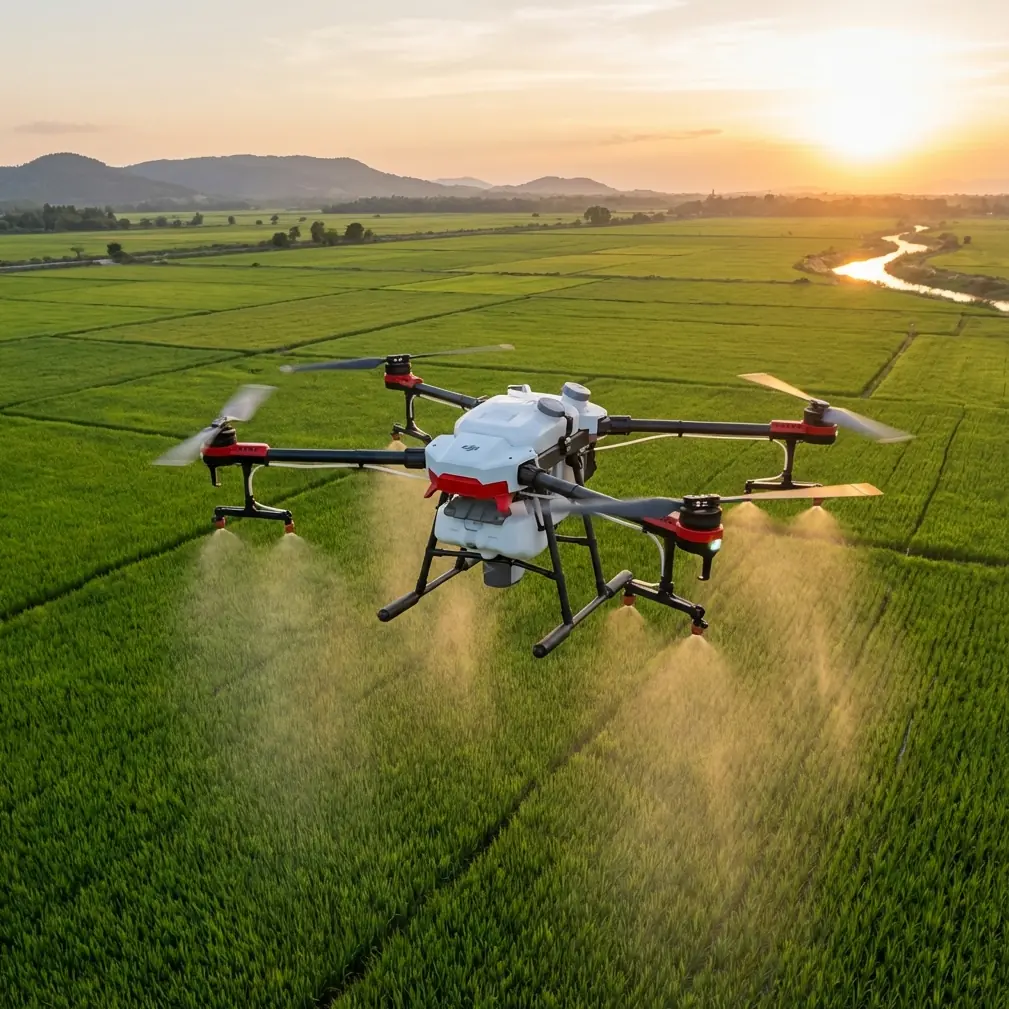
Flip for High-Altitude Highway Inspection: A Practical Workflow Built Around Autonomous Mapping
META: Learn how Flip can support high-altitude highway inspection with waypoint planning, mapping routes, virtual geofencing, and 3D capture workflows inspired by DJI GS Pro operational capabilities.
High-altitude highway inspection punishes sloppy flight planning.
Thin air changes aircraft behavior. Mountain light shifts fast. Road corridors snake through cut slopes, bridges, retaining walls, drainage channels, and blind bends where line of sight can disappear in seconds. If you are inspecting highways at elevation, the drone matters, but the workflow matters more. That is the real story here.
For Flip operators working in this environment, the most useful reference point from the source material is not a flashy camera mode. It is the discipline of autonomous mission design drawn from DJI PC Ground Station Pro, or GS Pro: editable waypoint flight, automated mapping routes for defined survey areas, virtual geofencing for height and speed limits, and orbit-style capture for 3D reconstruction. Those functions were built for industry, and they map cleanly onto the reality of highway inspection where consistency beats improvisation.
This article lays out how to use that logic with Flip in a high-altitude inspection setting.
Start with the job, not the flight
A highway inspection in the mountains is rarely one task. It is usually four tasks wearing one label:
- Corridor review of pavement, markings, shoulders, and barriers
- Slope and drainage inspection above and below the road
- Structural documentation for bridges, culverts, retaining walls, and tunnels
- Change detection across repeated visits
If you launch Flip without separating those objectives, you get a pile of footage and very little operational value. The reference data points toward a better model: create different mission types for different outputs.
That matters because automated route generation and waypoint editing serve different inspection goals. A mapping pass is ideal for coverage and repeatability. A waypoint pass is better when the aircraft must pause, yaw, change gimbal angle, or revisit a defect from the same position each month.
Use waypoint flight where the road geometry gets complicated
The source document highlights waypoint flight as a core function, with each waypoint action editable. For highway inspection, that detail is operationally significant.
A mountain road is not a flat survey block. It is a chain of micro-environments. One segment may need a slow pass beside a rockfall fence. Another may require a stop-and-look at expansion joints on a bridge. Another may call for a slightly offset angle to inspect guardrail deformation after a slide event.
Editable waypoint actions let you build those decisions into the mission before takeoff. Instead of relying on pilot memory at 2,800 meters elevation with gusts pushing across the valley, you predefine where Flip should:
- slow down
- hover
- rotate toward a retaining wall
- tilt the camera downward over a drainage outlet
- capture a consistent oblique of a bridge abutment
That consistency is the difference between cinematic flying and inspection-grade flying.
On one alpine corridor project, we had a section where marmots kept popping up near the shoulder above a culvert line. It sounds trivial until you are flying low alongside a slope and an animal movement pulls your attention away from terrain. In that kind of moment, obstacle awareness and a prebuilt waypoint plan are not luxuries. They reduce pilot workload. The aircraft keeps the route discipline while the operator stays alert to the environment. That is where sensor-backed obstacle avoidance earns its place in a civilian inspection workflow.
Use automated mapping routes for broad corridor coverage
The reference also describes a mapping aerial survey area mode: define the task area and the software generates the mapping flight line automatically. For high-altitude highways, this is the fastest way to turn a broad inspection zone into something measurable.
The reason is simple. Highway teams often need more than visual review. They need a surface record that can feed orthomosaics, progress tracking, slope monitoring, or maintenance documentation. Manual flying is too variable for that. Automated route generation standardizes overlap, spacing, and coverage.
The source includes one especially useful benchmark: at a flight height of 100 meters, a single 25-minute sortie can map about 500 mu, roughly 0.3 square kilometers. Over an hour, it can handle more than 1,000 mu, about 0.7 square kilometers, under the stated conditions. Even if your real-world performance at altitude differs because of wind, battery behavior, or terrain separation, this figure still matters. It gives inspection planners a starting point for mission sizing.
Why is that important operationally?
Because highway inspection windows are often short. Traffic conditions shift. Weather closes in. Mountain valleys create local turbulence by mid-morning. If you know a mapping workflow is designed around a roughly 25-minute block for about 0.3 square kilometers at 100 meters, you can break the corridor into realistic chunks before the team ever drives to site.
For Flip users, the takeaway is not to chase the exact number. It is to think in mission cells. Divide the highway into sections that can be flown cleanly, landed safely, and repeated later under similar parameters.
Set virtual boundaries before you need them
The most underrated function in the source material is the virtual fence. It allows limits on flight altitude and speed within a defined area.
In high-altitude highway work, that is not just a safety convenience. It is a planning control.
Roads in mountainous regions create vertical traps. A pilot can feel comfortably high relative to the pavement while actually drifting too close to a cut slope, utility line, sign gantry, or bridge truss. A geofence forces discipline. Set a ceiling and speed limit based on the segment:
- lower speed for bridge deck edge inspection
- tighter altitude cap near power infrastructure
- stricter vertical limits in narrow valleys
- reduced speed when collecting repeatable image sets for comparison
The speed component matters as much as the height limit. Fast flights look efficient, but they increase motion blur risk, reduce operator reaction time, and make defect confirmation harder. The virtual fence converts good intentions into a hard rule the mission follows.
If you are inspecting multiple highway assets in one day, geofencing also helps standardize team behavior across operators. One pilot’s “careful” is another pilot’s “too quick.” Software limits remove that ambiguity.
Orbit capture is your bridge and slope specialist
The source calls out a circular photographic mode for capturing a target and generating a 3D view through reconstruction software. For highway inspection, this is where Flip becomes far more useful than a basic corridor camera.
Bridges, retaining walls, rock slopes, and interchange columns rarely tell the full story from one face. A single nadir map is excellent for plan-view context, but not enough for bulging masonry, spalling concrete, drainage staining, or slope deformation. An orbit or encircling capture set gives you the raw material for 3D reconstruction and site restoration.
This is not just about making a nice model. It supports practical inspection outcomes:
- measuring visible change over time
- reviewing inaccessible faces from the office
- coordinating maintenance access
- explaining defect location to non-pilot stakeholders
- documenting pre- and post-repair conditions
The source also notes export image resolution of 4864 × 3648, with real-time mapping resolution listed at 960 × 720. That distinction matters. Real-time visual outputs are useful for immediate field confirmation, but the exported high-resolution imagery is what supports post-processing and closer forensic review. In other words: quick field awareness first, deeper analysis later.
A field workflow that suits Flip in mountain highway inspection
Here is a workable sequence built from the source logic and adapted for Flip.
1. Segment the highway by inspection objective
Do not plan one continuous flight for everything. Split the day into:
- mapping blocks for corridor coverage
- waypoint blocks for repeatable defect checks
- orbit blocks for structures and slopes
This lets you pair the mission type with the output you actually need.
2. Build a height strategy around terrain, not road centerline
The source states a flight height range of 5 to 500 meters, with 100 meters as the default best working height. In high-altitude road inspection, 100 meters can be a useful baseline for broader mapping, but it should not become a habit. Terrain relief can make a nominal altitude misleading. Adjust each block based on slope rise, bridge clearance, and visual line of sight.
3. Cap speed with intent
Use slower profiles where the data quality matters more than simple coverage. Retaining walls, joints, culvert mouths, and landslide scars all benefit from lower-speed capture. This is where a virtual fence earns its keep.
4. Pre-program camera behavior at key waypoints
At critical points, define actions ahead of time: hover, yaw, gimbal tilt, or angled inspection passes. That turns the mission into a repeatable inspection script.
5. Use subject-aware features carefully, not casually
The context hints at tools like ActiveTrack, subject tracking, QuickShots, Hyperlapse, and D-Log. In a highway inspection environment, not all of these deserve equal billing.
- ActiveTrack or subject tracking can help when following a maintenance vehicle during traffic management documentation or escorting a slow-moving survey crew along a shoulder.
- D-Log is useful when lighting is harsh, which is common at altitude where shadows under bridges and bright reflective pavement can coexist in the same frame.
- QuickShots and Hyperlapse are secondary tools here. They may help for stakeholder communication or progress visualization, but they are not the backbone of an inspection mission.
That distinction matters. A professional inspection workflow uses creative modes sparingly and only when they serve documentation.
6. Watch wildlife and terrain together
In remote highway zones, birds, goats, marmots, and other wildlife are not edge cases. They are part of the operating environment. The earlier marmot encounter is a reminder that distractions happen at exactly the wrong moment. Flip’s sensor suite and obstacle avoidance should be treated as workload reducers, not permission to fly aggressively.
7. Respect data limits during planning
The source notes a current maximum mapping scale of 500 images and a 99-waypoint limit. Those are not just software trivia. They tell you when to split the mission. If your corridor segment is too long or your structure inspection too detailed, break it into smaller tasks instead of forcing an overloaded plan.
That makes the mission easier to verify, easier to repeat, and easier to troubleshoot.
Why this matters more at high altitude
At lower elevations, a pilot can sometimes improvise and still get acceptable results. High altitude is less forgiving. Battery performance can feel tighter. Wind over ridges arrives in pulses. Terrain blocks radio paths. Sun angle can collapse surface detail on one pass and reveal it perfectly on the next.
So the value of the GS Pro-style reference functions is not abstract. Each one answers a real mountain-road problem:
- Editable waypoints reduce inconsistency on complex segments
- Auto-generated mapping routes speed up broad coverage and improve repeatability
- Virtual fences control risk where terrain and structures compress the flight envelope
- Orbit capture for reconstruction turns isolated images into a usable 3D inspection record
This is the real blueprint for getting dependable inspection output from Flip.
A note on team communication
The strongest drone inspection teams do one thing exceptionally well: they make the mission understandable to non-pilots. Highway engineers, maintenance managers, and environmental staff do not care how elegant the stick work looked. They care whether the flight documented the shoulder crack, the blocked drain, the scoured embankment, and the bridge face in a format they can review later.
That is why autonomous planning, high-resolution exports, and repeatable capture matter so much. They create evidence, not just imagery.
If your crew is refining a high-altitude inspection workflow for Flip and wants to compare mission structure or corridor planning approaches, you can message the team here.
The practical takeaway
Flip becomes more valuable in high-altitude highway inspection when you stop thinking of it as a flying camera and start treating it as part of a planned data-collection system.
The source material points clearly in that direction. Waypoint editing supports defect-focused repeatability. Area mapping supports coverage and planning efficiency. Virtual fencing controls height and speed inside complex environments. Circular capture supports 3D reconstruction for structures and slopes. Even the small technical details — 99 waypoint capacity, 500-image mapping scale, 100-meter default working height, 4864 × 3648 export resolution — shape how a serious operator should design the day.
High-altitude inspection is not won in the air. It is won before takeoff, in how the mission is built.
Ready for your own Flip? Contact our team for expert consultation.