
Flip for Urban Wildlife Inspection: An Expert Guide
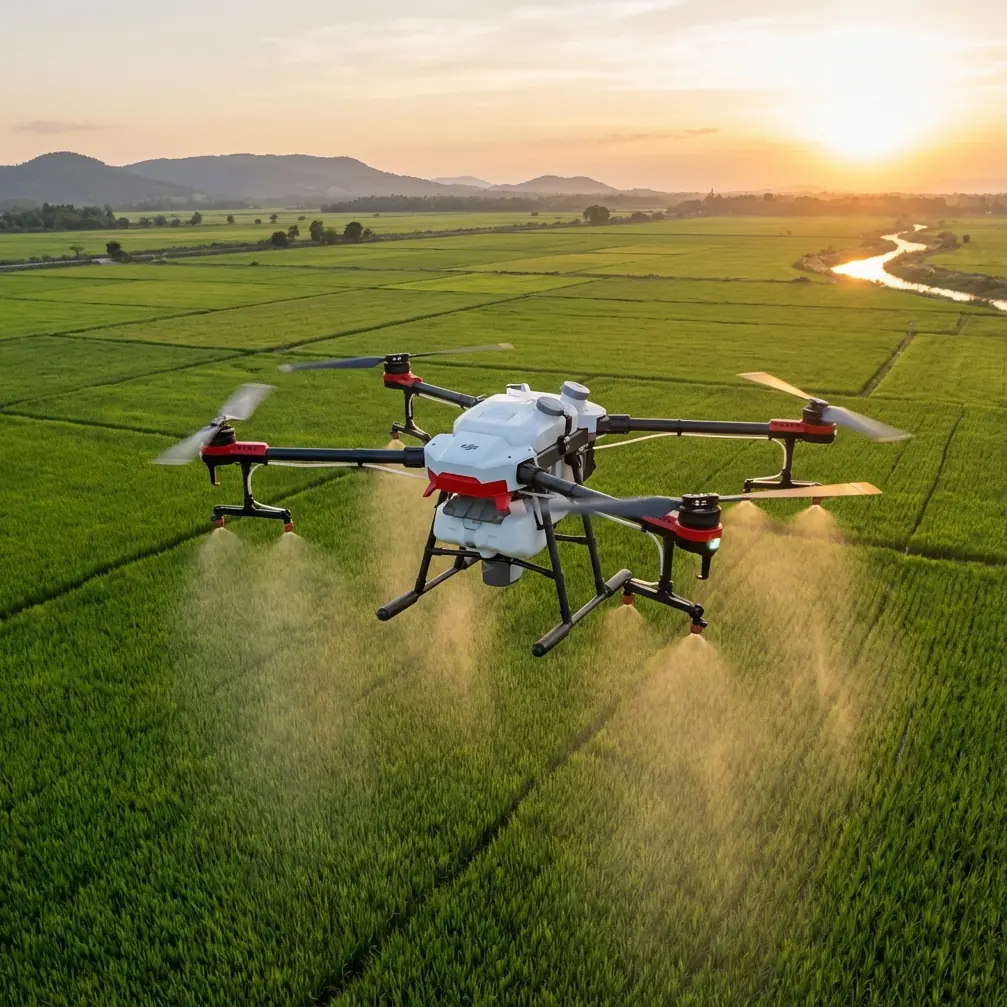
Flip for Urban Wildlife Inspection: An Expert Guide to Quiet, Precise Observation
META: Learn how to use Flip for urban wildlife inspection with practical tips on obstacle avoidance, ActiveTrack, D-Log, QuickShots, and safer flight planning in complex city environments.
Urban wildlife work looks simple from the sidewalk. It rarely is.
The moment you try to document nesting birds on a roofline, monitor bats near a bridge, or inspect how foxes and raccoons move through built-up corridors, the real constraints show up fast: tight airspace, trees mixed with poles and wires, reflective glass, unpredictable animal movement, and almost no room for pilot error. In that setting, a drone is not just a camera platform. It becomes a field instrument.
That is where Flip deserves a closer look.
This guide is built for a very specific job: wildlife inspection in urban environments. Not cinematic sightseeing. Not generic drone advice. The question is whether Flip can help an operator collect useful visual data around animals in constrained city spaces without turning the flight into a constant compromise between safety and image quality.
Why urban wildlife inspection is hard on drones
Urban habitat edges are messy. Birds don’t perch where it’s convenient for the pilot. Bats emerge under bridges and building overhangs. Nesting sites show up near HVAC units, facades, gutters, and telecom structures. Even when the animal is visible, the approach path often is not.
A drone used for this kind of work needs to handle three things well:
- Navigation in cluttered space
- Reliable framing of moving subjects
- Image flexibility for analysis after the flight
Flip stands out when those three demands happen at the same time.
Many drones can capture attractive footage in open air. Fewer remain genuinely useful when you are trying to hold a safe line around trees, street furniture, rooftops, and narrow urban gaps while also keeping an animal in frame. That is why features such as obstacle avoidance, ActiveTrack, and controlled color capture like D-Log matter operationally, not just on a spec sheet.
Start with the mission, not the drone
Before talking settings, define the inspection goal.
Urban wildlife operators usually fall into one of these scenarios:
- Checking whether a nest is active without climbing onto a roof
- Recording ingress and egress points around buildings
- Monitoring movement corridors between green pockets and structures
- Documenting habitat condition near drainage channels, bridges, and utility assets
- Capturing repeatable footage for comparison over time
Flip is most effective when you fly it like a tool for evidence gathering. That means stable framing, consistent approach distance, and enough image latitude to review details later.
If your main goal is behavioral observation, smooth tracking matters more than dramatic movement. If your goal is habitat assessment, repeatable angles and broad environmental context become more important. Flip can do both, but not with the same setup.
The first feature that really matters: obstacle avoidance
Urban wildlife inspection often means flying in places where line-of-sight is available but margin is thin. You may be moving laterally along a tree line beside parked cars, or adjusting around a rooftop parapet to see a nest entrance. In those moments, obstacle avoidance is not a convenience feature. It reduces the number of risky corrections a pilot has to make.
This is one area where Flip has practical value over more basic camera drones that depend heavily on manual spacing and pilot judgment alone. In open parks that difference may seem minor. Near lamp posts, branches, facades, and other hard edges, it becomes obvious.
The operational significance is simple: fewer abrupt stick inputs usually means less disturbance to wildlife and cleaner footage for analysis.
That second point gets overlooked. Jerky corrections do not just make the flight less safe. They also create footage that is harder to review for behavior, condition, and access routes. For inspection work, smoothness is data quality.
ActiveTrack and subject tracking: useful, but only if you use them selectively
ActiveTrack can be excellent for urban wildlife work, but it is not something to switch on automatically.
When an animal is moving predictably across a visible corridor, subject tracking can save the shot and reduce pilot workload. Think of a bird leaving a ledge and following a known path along a canal edge, or an animal crossing between patches of cover. In those situations, Flip’s tracking tools help maintain framing while you devote more attention to airspace and obstacles.
Where pilots go wrong is expecting tracking to replace judgment.
In dense urban scenes, branches, fencing, roof structures, and shadow transitions can complicate subject recognition. The right use of ActiveTrack is as a managed assist, not a hands-off mode. Start with a clean visual lock, maintain altitude discipline, and be ready to take over immediately if the subject passes behind clutter or changes speed sharply.
Compared with drones that offer weaker or less dependable tracking behavior, Flip is better suited to brief observation sequences where the animal stays visible long enough to gather meaningful footage. That is a genuine advantage in inspection scenarios because you often have seconds, not minutes, to capture usable evidence.
Use QuickShots carefully in inspection work
A lot of pilots ignore QuickShots for wildlife work because they sound too cinematic. That is a mistake, but only partly.
QuickShots are not your main inspection method. They are best used to create context footage. For example, if you need to show the relationship between a nest site and nearby building features, a controlled automated movement can reveal access points, nearby obstructions, and habitat edges more clearly than a static hover.
The caution is obvious: urban wildlife inspection is not the place for flashy automation near animals or in crowded environments.
Use QuickShots only when all of the following are true:
- The airspace around the subject is clean
- The animal is unlikely to be stressed by movement
- The shot serves a documentation purpose
- You have already captured the essential close inspection footage manually
When used this way, QuickShots can create a concise visual record for clients, ecologists, or property managers who need to understand the site layout quickly.
Why D-Log matters more than most operators think
A lot of wildlife inspection happens under ugly light. Deep shade under bridges. Harsh reflections from windows. Bright sky above a dark roofline. Color profiles like D-Log become valuable here because they preserve more flexibility when you review footage later.
That has direct field value.
Suppose you are trying to confirm whether a cavity entrance shows feathering, nesting material, staining, or repeated use. Standard footage may look fine in the field but lose subtle detail in contrast-heavy scenes. D-Log gives you more room in post to recover highlight and shadow information.
The key is discipline. If you shoot D-Log, your workflow needs to include proper review and grading. Otherwise you are just creating flatter footage without gaining the analytical benefit.
For urban wildlife operators who deliver reports, this can separate a merely watchable video from evidence that supports a confident interpretation.
Hyperlapse is not just for aesthetics
Hyperlapse has a narrower role, but it is still worth understanding.
In wildlife inspection, Hyperlapse is useful for documenting pattern over time rather than individual animal detail. If you are observing a repeat emergence window near a structure or trying to show traffic and disturbance around habitat edges, a carefully planned Hyperlapse can reveal environmental context in a way real-time footage does not.
This should not be your first-choice tool for animal-specific recording. It is best for setting the scene, identifying activity windows, or illustrating how a site functions across a longer interval.
Think of it as environmental evidence, not behavioral close-up.
A practical flight workflow for Flip in urban wildlife inspection
Here is the method I recommend.
1. Do a perimeter read before takeoff
Walk the site first. Identify wires, trees, reflective surfaces, pedestrian areas, and likely animal movement paths. Choose a launch point that gives you a clean climb and conservative recovery route.
2. Capture the broad context early
Start with wider establishing shots. This is where a careful QuickShot or a gentle manual orbit may help. You want proof of the site layout before moving closer.
3. Move to observation distance, not maximum proximity
The goal is usable footage without changing the animal’s behavior. Flip’s imaging and tracking tools are most valuable when they let you hold a respectful distance and still gather detail.
4. Use ActiveTrack only after a stable visual lock
If the animal begins moving along a predictable route, tracking can help. If the route becomes cluttered or visibility drops, cancel it and fly manually.
5. Record a D-Log pass when lighting is difficult
Even if you also take standard footage, a second pass in D-Log can save a report later.
6. Keep one safety lane open at all times
Urban inspection flights go wrong when pilots commit too deeply into boxed-in positions. Always know your exit vector.
7. Finish with repeatable reference shots
If this is a monitoring site, end with the same angle, altitude, and framing markers you can reproduce on the next visit.
A note on cultural design and why it unexpectedly connects here
One detail from outside the drone world is worth considering because it reflects how professional tools should be adapted to their environment.
A recent aviation design report noted that EDID signed with Abu Dhabi-based RoyalJet to create cabin interiors for three Airbus ACJ320neo aircraft, and that the design work would incorporate Emirati cultural elements. The report also said this new contract followed two earlier successful collaborations in 2013 and 2016.
Why mention a business jet interior project in a Flip field guide?
Because it illustrates a principle that serious operators understand: the best aviation solutions are not generic. They are shaped for the mission, the setting, and the people involved. In the RoyalJet case, cultural integration is not decoration. It is part of making the aircraft experience fit its operating context. The repeated partnerships from 2013 and 2016 also signal something else that matters in aviation operations: trust is built through performance over time, not promises.
Urban wildlife inspection demands the same mindset. A drone setup should be tailored to the environment. Flip is strongest when used with that level of intentionality. Not as a one-size-fits-all flying camera, but as a platform configured around noise sensitivity, obstacle density, and the need for reliable visual records.
That is also why experienced operators often outperform less prepared crews using similar hardware. The tool matters. The fit matters more.
Where Flip excels against weaker alternatives
Some competing drones do fine in open recreational flying but become harder to trust when the site gets visually and physically crowded. Their limitations tend to show up in three places:
- Tracking that drops too easily when the background gets complex
- Less confidence near obstacles, forcing wider standoff distances
- Footage that looks acceptable on-site but offers less editing latitude later
Flip’s advantage is that it handles the overlap between those problems better. You can maintain a safer buffer, keep a moving subject framed more consistently, and retain flexibility in post through D-Log when the light is difficult.
For wildlife inspection in urban settings, that combination is more useful than headline performance claims.
Common mistakes to avoid
Flying too close too early
Get your evidence first. Closer is not always better.
Trusting automation in visually messy scenes
Obstacle avoidance and ActiveTrack are supports, not substitutes for site reading.
Ignoring light quality
If the roof edge is blown out and the cavity is dark, your footage may fail the actual inspection need.
Chasing cinematic movement
Inspection work values clarity and repeatability over visual drama.
Skipping communication
If you work with property teams, ecologists, or site managers, brief them on what footage you are capturing and why. If you need help planning a workflow around that, you can message the team directly here.
Final assessment
Flip makes sense for urban wildlife inspection because it addresses the actual friction points of the job: cluttered flight paths, moving subjects, and difficult light. Obstacle avoidance reduces the need for abrupt manual corrections. ActiveTrack can help hold a subject in frame when used carefully. QuickShots and Hyperlapse add context when applied with restraint. D-Log improves your chances of extracting useful detail from harsh urban lighting.
That is the real test. Not whether a drone can fly. Whether it can help you return with footage that answers the inspection question.
For operators documenting wildlife in the city, Flip is at its best when flown deliberately, at respectful distances, with a workflow built around evidence rather than spectacle.
Ready for your own Flip? Contact our team for expert consultation.