
Flip Field Report: Best Practices for Mapping Forested
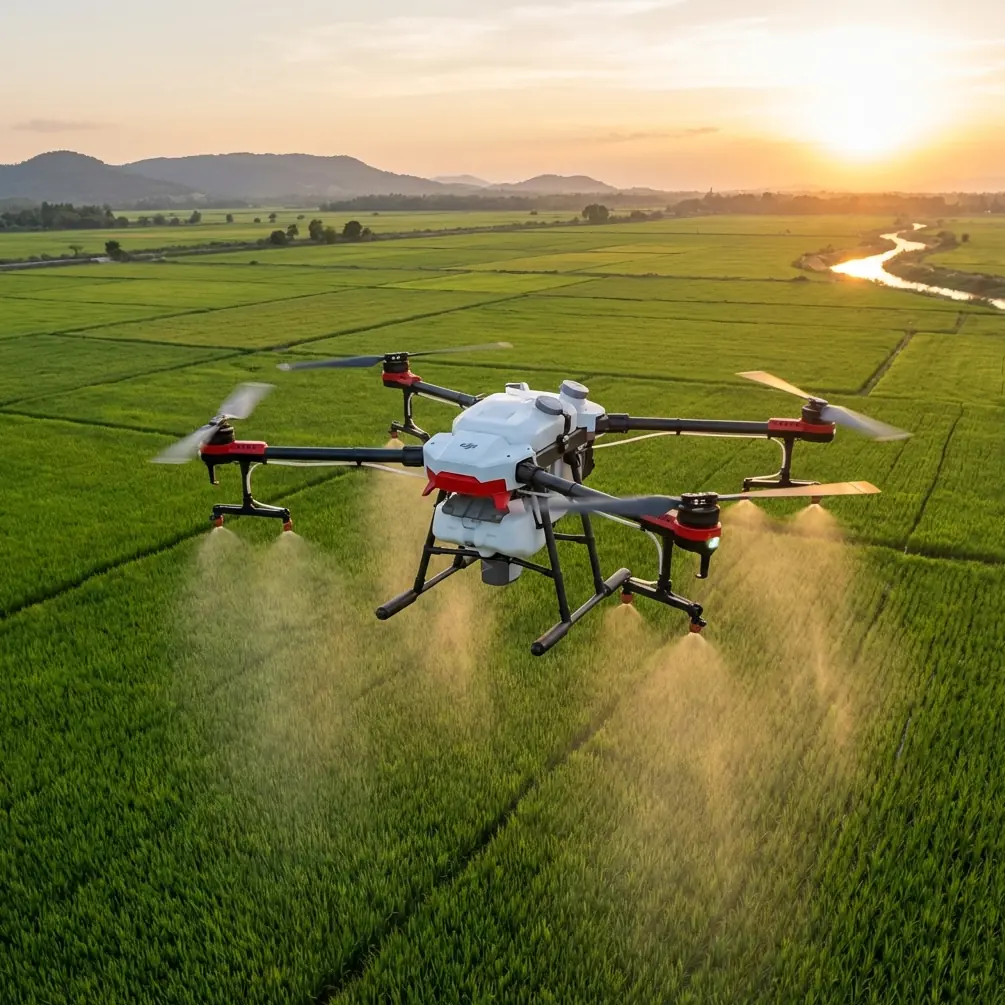
Flip Field Report: Best Practices for Mapping Forested Mountain Terrain
META: A practical field report on using the Flip for forest mapping in mountain terrain, with flight altitude guidance, obstacle avoidance strategy, ActiveTrack limits, and camera settings that improve usable results.
Mountain forest mapping exposes every weakness in a small drone workflow. Tree canopies hide slope breaks. Ridge winds change direction without warning. Light shifts from open sky to deep shadow in seconds. If you are planning to use the Flip in this environment, the question is not whether it can fly there. The real question is how to fly it in a way that produces clean, repeatable mapping footage while keeping enough margin for terrain, branches, and sudden air movement.
I approach this as a photographer first, but mountain work forces you to think like a survey planner. The Flip’s appeal is obvious: it is compact, quick to deploy, and equipped with the kinds of intelligent flight tools that help a solo operator stay organized in the field. Features like obstacle avoidance, subject tracking, QuickShots, Hyperlapse, D-Log, and ActiveTrack all sound useful on paper. In the mountains, though, each one has a very specific place. Some help directly. Others are better treated as support tools rather than primary mapping methods.
The most useful insight for this scenario is flight altitude. If you only change one thing before a forest mission in steep terrain, change the way you choose altitude.
For mapping forests in the mountains, I generally treat 60 to 90 meters above the canopy as the practical working band for the Flip, not simply a height above the launch point. That distinction matters. In flat ground, those numbers can feel interchangeable. On a mountain slope, they are not even close. If you launch from a turnout beside a ridge and fly across a descending valley wall, the drone may appear safe on screen while silently losing separation from treetops. In the opposite direction, the aircraft can end up much higher over the canopy than intended, reducing detail and making overlap less reliable for later analysis.
That 60 to 90 meter canopy-relative band tends to strike the best balance for this kind of mission. At the lower end, around 60 meters, you preserve more texture in the crown layer, skid trails, storm damage, and openings in the stand. At the upper end, closer to 90 meters, you gain a wider field of view and a little more breathing room over uneven treetops, which can be the safer option in gusty conditions or when the slope profile is difficult to read from the ground. Push much lower and the aircraft spends too much time negotiating vertical relief and isolated snags. Push much higher and the data becomes less useful for reading forest structure, especially in mixed light.
This is where obstacle avoidance earns its keep, but only if you understand what it can and cannot do. In mountain forests, obstacle systems are best treated as a backup layer, not permission to fly close to trees. Branch tips, sparse deadwood, and side-lit limbs can create ugly surprises. Dense canopy also reduces your visual ability to judge horizontal drift, especially when the drone is traversing along a slope. The operational significance is simple: obstacle avoidance can help reduce the chance of a branch strike during a reposition or a return leg, but it does not replace route design with terrain clearance in mind. If I am planning a mapping pass, I want enough altitude margin that the obstacle system rarely needs to intervene at all.
The same caution applies to ActiveTrack and broader subject-tracking modes. They are useful in the mountains, but not for the part many pilots first imagine. I would not rely on ActiveTrack as the core tool for mapping a forested mountainside. Trees create intermittent occlusion, and irregular terrain can shift the geometry of a tracked subject quickly. The stronger use case is logistical: tracking a hiker, forestry worker, or vehicle on a forest road to document route access, site approach, or conditions around a target area before or after the main mapping passes. Operationally, that matters because it separates cinematic automation from data capture. Use ActiveTrack for context gathering. Use deliberate, repeatable flight lines for the mapping work itself.
QuickShots fall into a similar category. They are not mapping flights, but they can be surprisingly valuable in a field report workflow. One orbit or pull-away clip over a ridgeline can reveal canopy continuity, access roads, erosion scars, or the position of a survey area within the larger watershed. That context is often what a client, land manager, or internal team needs first before diving into tighter analysis. QuickShots are efficient because they reduce pilot workload during brief visual documentation tasks, but I keep them away from cluttered canopy edges where automated movement can become less predictable.
Hyperlapse is even more specialized. It will not replace mapping coverage, yet it can document changing fog banks, sun angle over a stand, or the way shadow moves across a slope over a working day. In mountain forestry, that is not just aesthetic. Light consistency affects image readability. A Hyperlapse sequence can help explain why one section of a site was flown early while another was delayed until clouds shifted. For teams building a record of site conditions, that can be more useful than people expect.
Where the Flip becomes especially practical for image quality is in camera profile choice. D-Log is the setting I care about most when bright sky and dark conifer shadow share the same frame. Forested mountains push dynamic range hard. A standard look may be fine for quick previews, but if your goal is a usable visual record that can stand up to review later, D-Log gives you more room to recover highlights on exposed ridges while holding detail in darker timber. The operational advantage is not abstract. It means fewer blown-out skyline sections and more readable contrast transitions where tree lines meet rock or meadow. When I return from a mountain mission, those preserved tonal differences often determine whether footage is merely attractive or genuinely informative.
Of course, a good camera profile cannot rescue a poor flight plan. My field workflow with the Flip starts before takeoff. I identify the high point and low point of the intended area, then choose a route that minimizes abrupt terrain separation changes. In practical terms, I would rather break a mountainside into shorter segments than try to force one continuous pass over a large elevation swing. This reduces the risk of drifting too close to the canopy and makes the footage easier to compare segment by segment later.
Wind deserves its own paragraph because mountain pilots often underestimate how localized it becomes. A sheltered launch zone tells you almost nothing about what is happening 80 meters above the canopy on the lee side of a ridge. The Flip’s small form factor is part of its strength, but it also means you need to be disciplined. If the aircraft is pitching or correcting constantly on the first pass, I stop pretending the conditions will smooth out farther out. They usually do not. In these moments, maintaining that 60 to 90 meter canopy-relative altitude becomes even more useful because it gives the drone space to absorb movement without getting dragged toward emergent branches or uneven treetops.
Battery planning also changes in mountain forests. Climbing away from a launch point, holding position in wind, and making route corrections around terrain all add up. I avoid stretching a single battery to “finish the slope.” Instead, I aim to complete one logical block of coverage per flight. That produces cleaner mission boundaries and reduces decision fatigue on the return leg. It also makes post-flight review far easier, because each set of files corresponds to a clear terrain section rather than a half-finished patchwork.
For readers who are using the Flip partly for visual storytelling and partly for field documentation, this hybrid approach is where the drone fits best. Start with one or two contextual passes that show the mountain, the access line, and the forest pattern. Then move into measured coverage at a stable canopy-relative altitude. After that, use the smart modes selectively. A short QuickShot can establish the site. ActiveTrack can capture team movement on the ground. Hyperlapse can record changing weather or light. D-Log protects the image for serious review later. Each feature has a role, but none should distract from the central requirement of mountain mapping: controlled geometry over uneven terrain.
One detail that often surprises newer operators is how much safer and more productive a conservative line can be. Flying directly above a treed drainage may look efficient on the map, but side-slope routes are often easier to manage because the canopy relationship stays more readable. Another is launch placement. If possible, launch from a point that is already elevated relative to the target area. That reduces the amount of climbing required, improves line of sight, and gives you a more realistic visual sense of your canopy separation from the start.
If you are building your own mountain workflow around the Flip, keep your checklist simple. Choose an altitude relative to the canopy, not the controller readout alone. Treat obstacle avoidance as insurance, not navigation. Use ActiveTrack for contextual movement, not primary mapping. Reserve QuickShots and Hyperlapse for narrative support. Shoot D-Log when the scene includes bright sky and deep timber shadow. Then review every sortie with one question in mind: did this flight improve the clarity of the forest, or just add footage?
That distinction matters in the mountains because conditions punish wasted effort. The best Flip flights in forest terrain are usually the least flashy ones. They are steady, intentional, and built around terrain awareness. When done well, the result is not just better-looking imagery. It is a more truthful record of the landscape.
If you want to compare notes on route planning, canopy clearance, or camera setup for this kind of terrain, you can message here and continue the discussion.
Ready for your own Flip? Contact our team for expert consultation.