
How I’d Use Flip to Monitor Remote Forests Without Losing Ma
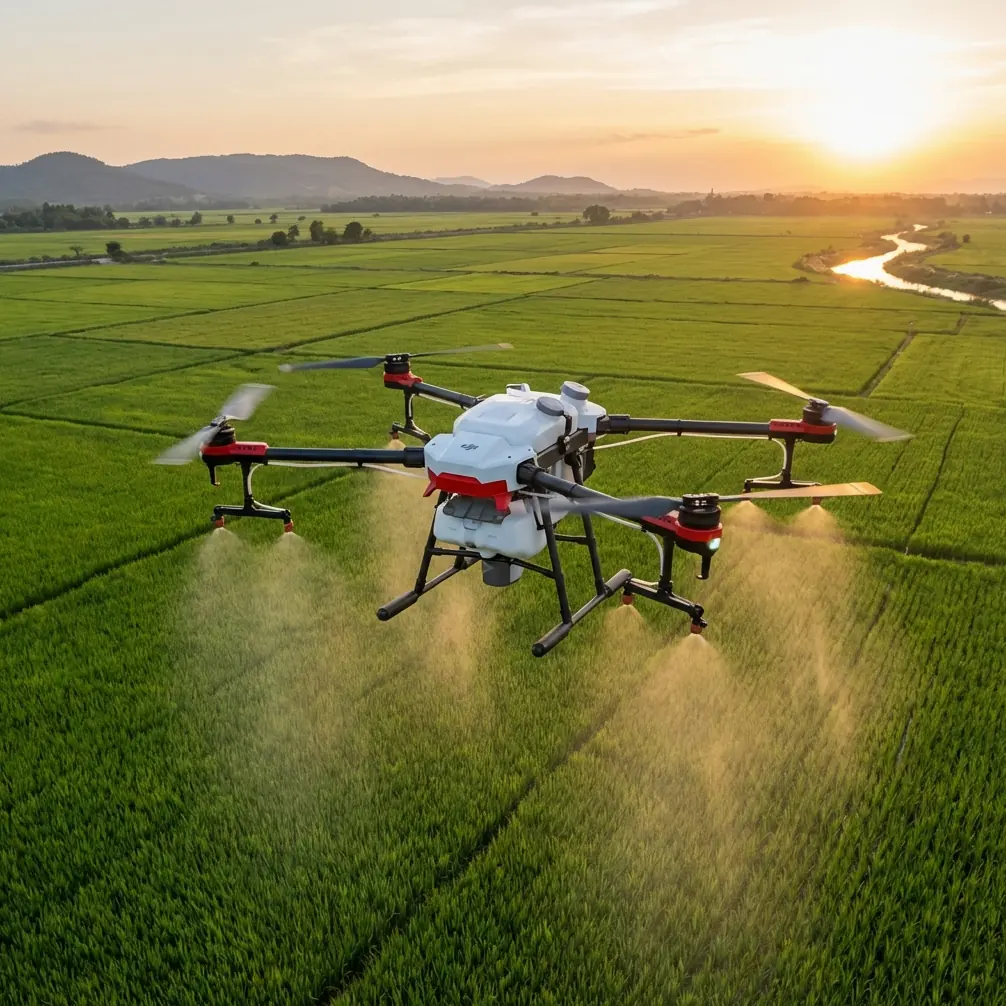
How I’d Use Flip to Monitor Remote Forests Without Losing Mapping Discipline
META: A practical, field-driven tutorial on using Flip for remote forest monitoring, blending aerial storytelling tools with photogrammetry lessons on control layout, model orientation, and accuracy risk.
Remote forest work punishes sloppy workflows.
That’s true whether you’re documenting canopy stress after a dry season, checking erosion along access tracks, or building repeatable visual records for restoration sites that are hard to reach on foot. I’ve learned that the drone itself is only half the story. The bigger half is whether your capture plan survives real-world conditions: distance, uneven terrain, patchy visibility, changing light, and the uncomfortable fact that a map can look good overall while still failing in the exact area you care about.
That distinction matters for anyone considering Flip for monitoring forests in remote areas.
Flip is often discussed for ease of use, intelligent shooting, and camera-led features such as ActiveTrack, QuickShots, Hyperlapse, obstacle avoidance, and D-Log. Those tools genuinely help in the field, especially when a single operator has to collect both usable visuals and structured site documentation in a narrow weather window. But if your goal is forest monitoring rather than casual flying, the real question is not whether Flip can fly out over trees. It’s whether your workflow can produce dependable outputs when the site is difficult, repetitive, and operationally unforgiving.
My own turning point came after a survey-style forest edge project where the output looked clean in the office but started falling apart when we reviewed individual models. The block adjustment looked acceptable. The site narrative looked coherent. Yet some local areas showed poor stereo recovery and weak tie consistency around uneven canopy transitions. That kind of failure is easy to miss until you try to compare changes over time or align a new flight with earlier data.
A reference from UAV aerial photogrammetry practice captures this problem very clearly. In one project, the regional block densification accuracy was rated as good overall, and single-model mean error could also appear acceptable. Even so, individual model orientation could still exceed limits. In mapping work, that shows up as large fit discrepancies between orientation points, weak stereo model alignment, and seam errors at edges. Operationally, that means a forest monitoring mission can appear successful on paper while still introducing local distortions exactly where your interpretation depends on continuity.
That lesson should shape how you use Flip in the woods.
Start with the mission, not the feature list
When I’m planning remote forest work with a compact drone platform, I separate the job into three layers:
Observation Capture what happened on site: canopy gaps, storm damage, water pooling, landslide traces, pest stress patterns, trail washout.
Comparison Make this flight comparable to the last one, so changes are real rather than artifacts of angle, altitude, or inconsistent framing.
Measurement discipline Keep the capture geometry stable enough that you don’t end up with attractive footage and weak mapping value.
Flip’s smart flight modes are useful mostly in the first two layers. ActiveTrack can help follow a forest corridor edge or service track for visual inspection. QuickShots can provide repeatable reveal angles for stakeholder updates. Hyperlapse can show progression across a long reforestation strip in a way still images cannot. D-Log is helpful when bright clearings and shadowed understory create harsh contrast, giving you more room in grading so details aren’t lost in either highlights or dense shade. Obstacle avoidance is especially relevant in fragmented forest environments where snags, isolated trunks, and uneven edge growth create a cluttered low-altitude flight space.
But none of those should distract from the third layer. If you want Flip to do more than gather attractive evidence, your flight lines, overlap strategy, and control philosophy have to be consistent.
The hidden risk in remote forest monitoring: “overall accuracy” can lie
One of the most useful pieces of reference data here comes from a test area layout experiment in UAV aerial surveying. The study compared different baseline layout schemes and showed that a 2-baseline configuration was ultimately selected for the project. Why? Because its evaluated densification accuracy stayed within the required thresholds.
The reported figures were telling:
- Orientation accuracy reached about ±0.17 m in plane, below a 0.3 m limit.
- Height orientation accuracy reached about ±0.05 m, below a 0.26 m limit.
- Densification accuracy was about ±0.29 m in plane, below a 0.5 m limit.
- Height densification accuracy was about ±0.17 m, below a 0.4 m limit.
Those numbers matter because they show a capture design can satisfy formal accuracy requirements without relying on maximum field control everywhere. For remote forests, that has direct operational significance. You may not be able to place abundant ground control under dense canopy or across difficult terrain. A workable layout strategy that preserves accuracy with a limited but intentional control arrangement can reduce field burden while keeping outputs usable.
But here is the second, even more important detail from the same reference: in later single-model orientation work, nearly 15% of 189 models could not recover a stereoscopic model at all, and 72 models—about one-third of the total—had orientation points exceeding limits, while only 3 models, or around 2%, exceeded the single-model mean error threshold.
That gap is the real warning.
A project can pass average error checks and still hide many local orientation failures. In forest monitoring, that means one ravine, one regrowth pocket, one edge transition, or one slope under mixed lighting can be misaligned while the broader report still says everything looks fine.
So if you’re using Flip to monitor remote forests, don’t ask only, “Did I get the site?” Ask, “Did I preserve local orientation quality across the site?”
How I’d build a Flip workflow for remote forest monitoring
1. Use intelligent modes for reconnaissance, not your primary mapping pass
Flip’s tracking and automated shot modes are excellent for fast understanding of a site. I would use ActiveTrack or a controlled follow sequence along an existing trail, drainage line, or firebreak to identify problem zones before the formal data capture begins. Obstacle avoidance helps here because forest margins are full of partial obstructions that are easy to misread from the ground.
This reconnaissance pass answers practical questions:
- Where does the canopy open enough for clean overhead coverage?
- Which sectors have strong shadow contrast?
- Where are the tallest isolated hazards?
- Which slopes may produce weak visual texture for matching?
- Where should repeat documentation shots be taken every month?
That pre-pass saves time later. It also reduces the temptation to improvise during the structured flight.
2. Fly the repeatable grid separately
If your purpose includes change detection, restoration monitoring, or terrain interpretation near forest edges, keep your systematic imaging flight separate from your cinematic and inspection flights.
That means:
- fixed altitude bands where possible
- consistent overlap
- repeatable orientation
- minimal unnecessary yaw changes
- planned margin around the target block
The reference material’s warning about individual model orientation issues is especially relevant in forests because tree crowns and shadows can create visually ambiguous surfaces. A neat overall mosaic may still conceal local mismatches. A disciplined grid lowers that risk.
If the site is long and narrow, such as a riparian corridor or logging access route, I’d rather break it into manageable segments than force one oversized block. When a single bad zone appears, segmented planning makes troubleshooting easier and reduces the chance that one weak section contaminates the whole dataset.
3. Be conservative around canopy edges
Forest edges are notorious. You move from dense texture to open ground, from shade to glare, from vertical trunks to horizontal brush, often within a few meters. This is where local model orientation problems start to show up as seam errors and mismatch between adjacent areas.
The source text specifically notes that when individual model orientation exceeds limits, mapping problems appear as large discrepancies in orientation points, poor stereo model fit, and edge-joining error. In practical forest work, that means the edge of a clearing, road, burn scar, or landslip may be the least trustworthy part of the output unless you capture it carefully.
With Flip, I’d give these transition zones extra attention:
- add side coverage beyond the visible boundary
- avoid relying on a single pass over mixed shadow
- repeat critical lines if wind moves the canopy significantly
- collect oblique context imagery in addition to nadir-style coverage
That extra effort is cheap compared with returning to a remote site.
4. Use D-Log where dynamic range could hide evidence
Remote forests often combine bright sky gaps with dark understory. If you expose for the clearing, the shaded zone collapses. If you expose for the forest interior, the sunlit sections clip.
D-Log is not just a stylistic tool here. It can preserve visual information that helps during interpretation and reporting. For example, subtle washout, invasive growth, stressed crown color, and drainage traces are easier to analyze when tonal extremes are controlled. If you produce periodic reports for landowners, forestry teams, researchers, or environmental consultants, D-Log footage can also be graded consistently across seasons, making time-series comparison more honest.
I still wouldn’t let a color profile substitute for capture discipline. Better tonal latitude cannot rescue weak geometry. But in mixed forest light, it absolutely improves the interpretive value of what you bring home.
5. Keep one visual record sequence identical every visit
This is where Flip’s automated creativity features become unexpectedly useful.
QuickShots and Hyperlapse can support a serious monitoring workflow if you treat them as repeatable documentation templates rather than novelty shots. A short elevated reveal from the same takeoff point each month, or a consistent Hyperlapse over an access line, can show forest change in a format that non-technical stakeholders instantly understand.
The key is consistency:
- same launch zone
- same heading
- same altitude
- same time window if possible
- same duration and framing
That gives you a visual baseline that complements your formal mapping set.
What made this easier for me with a compact platform like Flip
Older field habits taught me to assume that “small and easy to fly” meant compromise. In remote forests, I used to worry that a compact drone would tempt operators into casual capture habits: one smart shot here, one orbit there, and a hope that software would connect the rest.
The better way is almost the opposite.
A smaller, more accessible platform can improve results if it reduces setup friction enough that you actually perform the extra pass, the repeat line, the edge coverage, and the second verification shot. That matters more than people admit. When the site is remote, fatigue is real. If Flip shortens the barrier between arrival and disciplined capture, then features like obstacle avoidance and guided flight modes are not gimmicks. They are operational aids that preserve attention for the parts of the job software cannot think through for you.
If you want help tailoring a practical field checklist for your own forest site, I’d point you to this direct WhatsApp contact: message a drone workflow specialist here.
A field tutorial I’d actually follow
Here’s the sequence I’d use on a remote forest monitoring day with Flip:
Pre-flight
- Review prior site imagery and note high-risk transition zones.
- Mark intended repeat photo and video positions.
- Identify likely signal, wind, and visibility constraints.
- Decide which outputs are required: inspection visuals, comparison set, or map-supporting imagery.
On-site reconnaissance
- Fly a short manual or assisted pass to inspect canopy height variation.
- Use obstacle avoidance actively near edge zones and isolated trees.
- Record a few oblique frames of the entire site to guide later interpretation.
Structured capture
- Fly the main repeatable image pattern with minimal improvisation.
- Keep overlap and alignment consistent.
- Add margin around slopes, clearings, or stream edges.
- Re-fly any segment where wind or lighting likely reduced image quality.
Visual communication set
- Run one fixed QuickShot sequence from the same waypoint used in previous visits.
- Capture a short Hyperlapse if the site benefits from showing spatial progression.
- Use D-Log if contrast is severe and you need grading flexibility later.
Post-flight review
- Don’t stop at the overall mosaic.
- Inspect local joins, edge continuity, and trouble zones individually.
- Compare single sections, not just the project summary.
- Flag any area where local orientation appears weak, even if the total output looks acceptable.
That final step is the one most teams skip. It’s also where the reference data becomes more than an academic footnote. If nearly 15% of models in a project can fail stereo recovery and around one-third can show orientation-point exceedances while average model error still looks mostly acceptable, then a forest monitoring operator has no excuse to rely on the top-line result alone.
The practical takeaway for Flip users
Flip can be a strong tool for remote forest monitoring, but only if you use its convenience intelligently.
Its obstacle avoidance helps in cluttered edge environments. ActiveTrack supports corridor-style observation. QuickShots and Hyperlapse can become repeatable documentation assets instead of one-off content. D-Log improves interpretability in high-contrast woodland scenes.
Still, the reference lesson is larger than any feature. Good regional accuracy does not guarantee good local model behavior. A 2-baseline control strategy in the cited project produced accuracy that satisfied standard thresholds, which shows that efficient planning can work. At the same time, the project exposed how local orientation failures can remain hidden behind respectable summary metrics.
That is exactly the mindset remote forest monitoring demands.
Don’t judge your flight by whether it finished. Judge it by whether the most fragile part of the forest record is still trustworthy when you zoom in.
Ready for your own Flip? Contact our team for expert consultation.