
DJI Flip in Dusty Forest Work: A Practical Field Guide
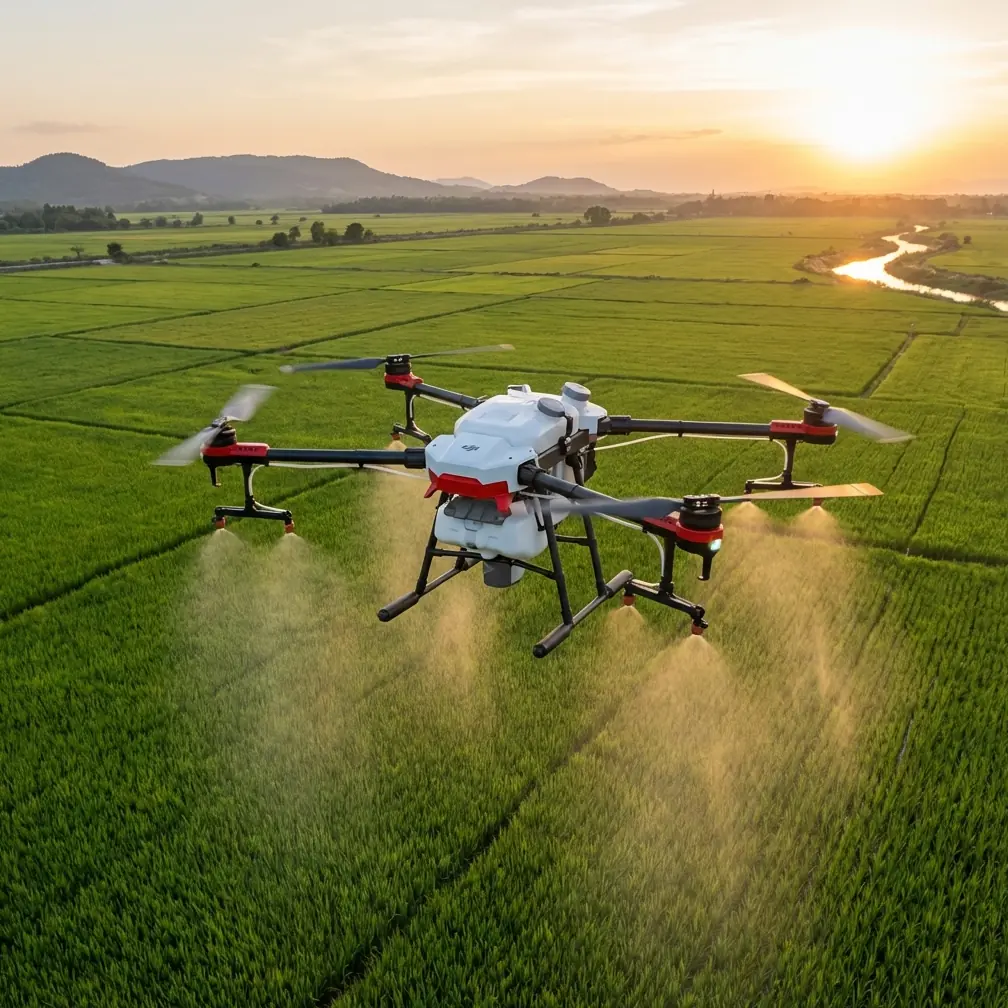
DJI Flip in Dusty Forest Work: A Practical Field Guide to Safer, Cleaner Flights
META: Learn how to use DJI Flip effectively in dusty forest environments with practical setup, obstacle avoidance, tracking, camera, and flight workflow tips for cleaner, safer results.
Dust changes everything.
In open ground, a small drone can feel predictable. In a dusty forest setting, the same aircraft has to deal with suspended particles, uneven light, thin branches, shifting wind between trees, and a visual environment that can confuse both pilots and onboard sensing. If you plan to use the Flip around forestry spraying operations, inspection work, or site documentation in dry conditions, success comes down to discipline more than confidence.
I’m approaching this from the perspective of someone who cares about images, but also about repeatable field results. That matters with the Flip because it sits in an interesting position: compact enough to deploy quickly, yet advanced enough to tempt people into flying it casually. In a dusty forest, casual technique is usually what causes the problems.
This guide is built for one job: helping you use Flip more effectively around dusty, tree-dense work zones where you need stable footage, cleaner takes, and fewer avoidable mistakes.
Why Flip makes sense for this kind of work
The Flip’s biggest advantage in this environment is not raw speed. It is efficiency. You can get it in the air quickly, capture overhead context, short tracking passes, and close environmental detail without carrying a larger platform into rough ground. That becomes valuable when the real operation is happening nearby and your drone is there to document conditions, map progress, or record site evidence before and after spraying.
That said, forests are where feature lists stop mattering and execution starts.
Obstacle avoidance, subject tracking, QuickShots, Hyperlapse, D-Log, and ActiveTrack all sound useful on paper. In dusty woodland work, each of those tools can help, but only if you understand where they break down.
This is also where the Flip compares well against many other small consumer drones. Some compact rivals are easy to launch, but less convincing once the air gets dirty and the background gets complex. The Flip’s appeal is that it combines portability with enough intelligent flight assistance to make structured capture realistic in cluttered terrain. The aircraft can help you, but it cannot interpret forestry risk for you. That distinction is the whole job.
First rule: do not fly through the dust plume
This sounds obvious until you’re on site.
If vehicles, blowers, or nearby spraying activity are kicking up fine particulate matter, the temptation is to push in for dramatic footage. Don’t. Dust affects propulsion efficiency, image clarity, and sensor confidence. In wooded areas, it also combines with backlight in a way that makes branch edges harder to read visually, both for you and for the aircraft.
A better method is to work the perimeter.
Launch from the cleanest patch you can find, ideally upwind of the active work area. Let the Flip climb to a safe buffer altitude before moving laterally toward the scene. This reduces the amount of loose debris the props kick back into the aircraft during takeoff and keeps the gimbal cleaner in the first minute of flight, which is often when your best establishing shots are captured.
If the forest floor is extremely dry, hand launching and hand catching can sometimes reduce dust ingestion compared with ground takeoff and landing, but only if you are already trained and comfortable doing so safely. If not, use a pad and keep the launch area clear. A compact drone deserves the same procedural seriousness as a larger one when conditions are poor.
Obstacle avoidance in trees: useful, not magical
Obstacle avoidance is one of the most valuable features you can have in a forest, and also one of the easiest to overtrust.
The problem is not whether the system works. The problem is what a forest actually looks like. Dense trunks are relatively easy compared with thin twigs, dead branches, brush tips, and irregular canopy edges. Add dust to the air and you are creating a scene with lower visual clarity and more false texture.
Operationally, that means obstacle avoidance should be treated as your backup layer, not your primary flying strategy.
Use it to reduce risk during slow repositioning and cautious reveals. Do not use it as permission to thread tight lanes between branches. A small drone can encourage that behavior because the airframe looks capable of slipping through narrow gaps. The real hazard is not the gap you notice. It is the angled branch just outside your intended line, or the twig hidden in mottled sunlight.
Compared with some compact alternatives, Flip stands out when you need a highly portable drone with intelligent assistance for low-altitude visual work. But this is where skilled manual route selection still beats automation. Pick broader flight corridors. Maintain stand-off distance. Accept that a safer line often produces better footage anyway because the camera movement reads as deliberate rather than nervous.
ActiveTrack and subject tracking near spraying operations
ActiveTrack and general subject tracking can be helpful in dusty forest jobs, particularly when following a vehicle, a worker on a trail, or movement along a logging road. The appeal is obvious: you keep the story centered while freeing up mental bandwidth for composition and safety.
But tracking in forests is never just about the subject. It is about the background competing for attention.
If your tracked subject passes beneath intermittent canopy or behind trunks, the system may hesitate, reframe abruptly, or abandon the lock. Dust can make this worse by softening edges and reducing contrast. The operational takeaway is simple: use tracking where the route is predictable and the background separation is decent.
A practical workflow looks like this:
- Start with a short manual pass to confirm the route is clear.
- Then engage ActiveTrack on a path with lateral escape room.
- Keep the speed moderate.
- Avoid long automated follows that pass behind trees or through layered brush.
- Be ready to cancel and resume manual control immediately.
This is one area where Flip can outperform less refined entry-level competitors. The combination of compact size and intelligent tracking tools makes it easier to capture controlled motion without carrying a heavier craft. Still, “easier” is not the same as “automatic.” In dust and trees, tracking is best used in short, intentional segments.
QuickShots and Hyperlapse: when to use them and when not to
QuickShots are attractive because they can produce polished motion quickly. In open space, they are often a smart shortcut. In a dusty forest, they need more scrutiny.
Automated moves depend on predictable clearance. Forest edges are rarely predictable. If you have a generous open pocket, a simple orbit or pull-away can work well for establishing the scale of the site. If branches, snags, or uneven canopy intrude into the flight path, manual movement is usually safer and often more cinematic.
Hyperlapse is different. It can be extremely effective in this setting if your purpose is to show environmental change: shifting dust, changing light through tree cover, gradual movement of crews, or the pace of work across a forestry plot. What matters is stability in both flight path and atmospheric conditions. Fine particles floating through frame can create visual noise and reduce the clarity that makes time-lapse sequences satisfying.
So use Hyperlapse when the air has settled, not in peak disturbance. If you want the environment to read clearly, wait a few minutes after vehicle movement or active ground work before shooting. That pause often does more for image quality than any later editing fix.
Camera setup for dusty woodland footage
This is where many small-drone operators leave quality on the table.
D-Log is worth using if you expect strong contrast between sun patches and dark understory. Forest footage often contains both in the same shot. A flatter profile gives you more room to recover detail and build a balanced grade later, especially if dust haze is lowering perceived contrast.
The tradeoff is workflow. D-Log expects post-production discipline. If you need immediate delivery with minimal editing, a standard color profile may be more practical. But for serious documentation, especially if the footage may be used across multiple reports or promotional edits, D-Log gives you stronger material to work with.
A few practical camera choices matter more than people think:
- Keep shutter behavior controlled so motion doesn’t look brittle.
- Avoid aggressive exposure shifts during a single move.
- Watch highlights in pale dust clouds, which can clip earlier than expected.
- Recheck the lens and gimbal cover area often, because fine dust reduces contrast before it becomes visibly obvious.
As a photographer, I’d add this: dusty forest footage usually looks best when you stop chasing spectacle. Let the composition carry the shot. Use layers of trunks, road lines, machine movement, and suspended atmosphere carefully. Flip is capable of producing attractive environmental imagery, but the strongest result often comes from restraint.
Pre-flight routine that actually helps
A rushed pre-flight in dusty forestry work is asking for soft footage and awkward recoveries.
Here is a field-tested sequence that makes sense for Flip:
- Inspect the propellers carefully for chips or debris.
- Check the gimbal area for dust before power-up.
- Confirm home point and signal quality before moving under canopy.
- Review wind direction, not just wind speed.
- Identify at least one emergency retreat direction with open sky.
- Decide in advance whether the flight is manual, tracked, or partly automated.
That last point matters. Mixing modes impulsively in trees creates confusion. If the mission is a manual reveal, fly it manually. If the mission is a short ActiveTrack follow on a road, set up for that specifically. Flip gives you multiple tools, but strong flights usually come from committing to one capture plan at a time.
If your team needs a clean pre-deployment checklist for this kind of operation, I’d share one directly through field support chat rather than improvising it on site.
Best flight patterns for dusty forests
Not every useful shot requires complexity. In fact, the most reliable flight patterns in this environment are usually the simplest.
The rising establish shot works well when launched from a clear edge. Start low enough to show dust, tracks, vegetation, and operational context. Then climb slowly until the road network or work zone becomes readable. This gives you a before-and-after framing option in editing and keeps the aircraft away from the most cluttered airspace during the early part of the flight.
The lateral road follow is another strong option. Instead of flying deep into dense canopy, move parallel to a forest track or perimeter line. You get a sense of progression without asking obstacle avoidance to interpret every branch in front of the drone.
A third useful move is the static hover with minimal micro-adjustment. In dust, stillness can be powerful. Let the environment move through the frame. Workers, vehicles, and airborne particles create enough motion on their own. This is often better than forcing the drone into unnecessary motion that adds risk and reduces clarity.
Where pilots get into trouble
Most errors come from one of four habits:
The first is launching too close to loose dust. The second is trusting obstacle avoidance in branch-heavy gaps. The third is using subject tracking in visually messy routes. The fourth is staying out too long after image quality has already degraded from dust on the lens area.
Small drones create a false sense of recoverability. People think, “It’s light, it’s agile, it’ll be fine.” But forest work punishes optimism. The branch you barely touch can destabilize the shot or end the mission entirely.
This is why Flip is best used as a precision documentation tool in these conditions, not as a stunt platform.
Final take: where Flip genuinely excels
For dusty forest workflows, Flip excels when you need quick deployment, intelligent assistance, and strong visual results from a platform that does not burden the field team. That combination is more valuable than headline specs. The drone’s portability helps you actually use it. Its flight-assist features help reduce workload when applied conservatively. Its camera tools, especially D-Log, help preserve image quality in difficult contrast.
Against competitors in the ultra-compact class, that balance is the real strength. Some alternatives are easy to carry but less convincing once you ask them to operate around dust, tree structure, and mixed-light scenes with any consistency. Flip feels more capable when the job is not just flying, but bringing back usable footage.
That is the standard that matters.
In forestry-adjacent work, especially around spraying environments, a drone is valuable only if it returns with clean data, stable visuals, and no drama. Fly wider. Trust the simple shots. Let the aircraft assist, but never think for you.
Ready for your own Flip? Contact our team for expert consultation.