
Flip in the Field: A Solar Farm Tracking Report From Remote
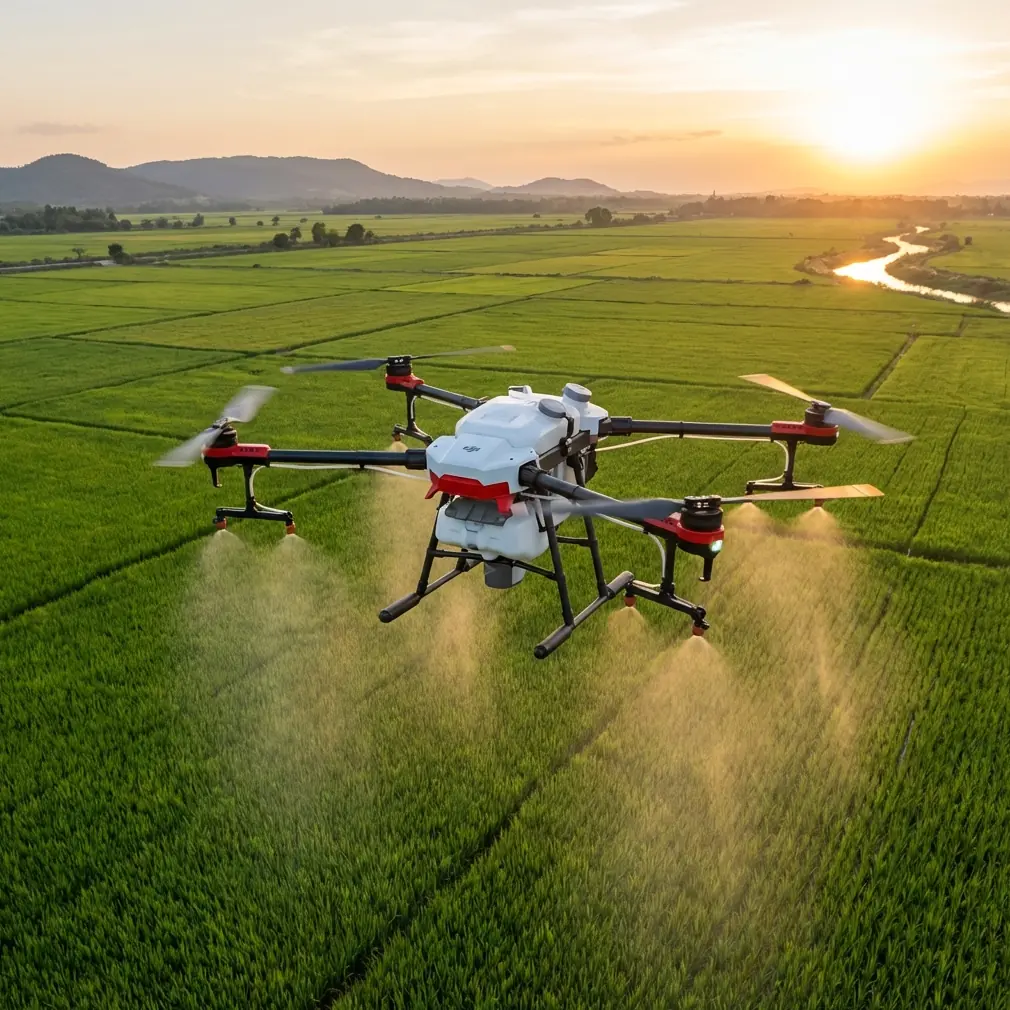
Flip in the Field: A Solar Farm Tracking Report From Remote Sites
META: Expert field report on using Flip for remote solar farm tracking, with practical guidance on obstacle avoidance, ActiveTrack, QuickShots, Hyperlapse, D-Log, and real-world flight decisions.
Remote solar sites have a way of exposing every weakness in a flying camera. Flat light at dawn. Repeating geometry across panel rows. Thermal shimmer by midday. Wind cutting through open land with nowhere to hide. If you want a drone that can follow technicians, inspect movement corridors, and still bring back footage that is actually usable, the test is not a spec sheet. The test is what happens in the field when conditions stop being tidy.
That is where Flip becomes interesting.
I have been using small camera drones around utility-scale solar projects for one reason above all others: they need to work without turning every flight into a production. The operator is often alone. The window to capture usable footage is short. You may be documenting site access, tracking vehicle movement along service roads, or creating progress visuals for teams that are nowhere near the project. In that context, Flip sits in a useful category. It is not just about portability. It is about reducing friction while still giving you enough control over tracking, obstacle behavior, and image latitude to do serious work.
This field report is built around that real use case: tracking activity across remote solar farms where a drone has to think fast, move cleanly, and avoid becoming a liability near repetitive infrastructure.
Why Flip fits remote solar work
The core challenge at a solar farm is not simply distance. It is visual complexity. Row after row of reflective panels creates patterns that can confuse both pilots and flight systems. Maintenance roads cut between sections, fencing appears where you least want it, and a subject can move from open ground into clutter faster than expected. A drone used in this environment needs reliable subject tracking and predictable obstacle behavior, not just a sharp camera.
That is where features like ActiveTrack and obstacle avoidance become operationally significant.
ActiveTrack matters on solar sites because the subject you are following is rarely moving in a straight, cinematic line. It might be a technician walking diagonally across a service lane, an ATV making a tight turn by inverter stations, or a site manager stopping unexpectedly near a gate. Good tracking reduces the number of interrupted takes and lowers pilot workload. That matters more in remote operations than many people admit. When you are dealing with heat, distance, and a site that offers very few convenient launch positions, fewer resets means more coverage and better battery efficiency.
Obstacle avoidance matters for a different reason. Solar farms look open from a distance, but they are full of flight traps: fence posts, cable runs, signboards, weather masts, parked utility vehicles, and the edge geometry of panel rows. A small drone that can recognize obstacles and respond early is not just easier to fly. It is safer to deploy near active operations where you cannot afford a sloppy correction.
A wildlife moment that changed the flight plan
One recent mission made that point more clearly than any lab test.
We were documenting access routes and capturing tracking footage of a field engineer moving between array blocks just after sunrise. The light was clean, wind manageable, and the site was quiet except for the usual ambient hum. Flip was holding a steady track along a perimeter road when a pair of deer burst from scrub at the edge of the property and crossed toward the service corridor.
This is exactly the kind of moment that exposes whether a drone’s sensing and tracking behavior is genuinely useful or merely convenient in marketing copy.
The drone had to process a changing scene fast: a human subject still moving forward, unexpected wildlife entering the frame, and fence-line clutter tightening the available space. Instead of forcing the shot and risking a bad correction, the sensors reacted conservatively enough to avoid pushing blindly into the crossing path. That gave me time to pause the tracking sequence, reposition, and resume with a wider angle of movement.
Operationally, that matters for two reasons.
First, wildlife encounters at remote energy sites are not rare. Deer, birds, coyotes, and livestock on adjacent land all change how you should fly. A drone with dependable obstacle awareness gives you margin when something unpredictable enters the scene. Second, subject tracking is only useful if it can be interrupted and recovered without turning the mission into a mess. Flip handled that sequence in a way that supported decision-making rather than fighting it.
That is the kind of real-world behavior remote operators should care about.
Tracking without losing the story
There is a temptation with small intelligent drones to let automation do too much. On solar farms, that usually creates footage that is technically stable but operationally meaningless. A remote asset team does not need random beauty shots. They need visual context. Who moved where. Which corridor was used. How site traffic interacts with infrastructure. Whether a specific access pattern is repeatable.
Flip’s tracking tools are most effective when you treat them as a support layer rather than a substitute for shot planning.
For example, ActiveTrack works best on these sites when you begin with a clear route logic. Start wide enough to establish where the subject is relative to panel blocks, then tighten only when the path becomes visually simple. If you begin too close, repeating panel lines can flatten the scene and reduce the practical value of the footage. You may still have a smooth shot, but you lose the ability to read the site.
QuickShots can also be useful here, but only selectively. Many operators think of them as social-first tools. That misses the point. On a remote solar project, a short automated reveal can establish scale far faster than a manual orbit when time is limited. Used correctly, a QuickShot can show the relationship between a technician, a maintenance vehicle, and a large panel field in seconds. Used carelessly, it becomes decorative noise. The difference is whether the movement answers a site question.
Hyperlapse is similar. It can be excellent for showing environmental change across a workday: cloud movement over arrays, traffic entering a zone, shadow progression across sections, or the cadence of maintenance operations. For project stakeholders reviewing remote site conditions, that compressed visual timeline can communicate more than a folder full of stills. But again, it has to be intentional. Hyperlapse should explain change, not simply display motion.
Image settings that hold up after the flight
Anyone flying around solar infrastructure knows that high contrast is the rule, not the exception. Bright panel reflections, dark equipment housings, pale gravel roads, and harsh mid-morning sun can crush your footage if you rely on overly baked color.
This is where D-Log becomes more than a creator buzzword.
On remote documentation jobs, D-Log gives you extra room to manage contrast when panel reflections spike or when a tracked subject moves from open light to shadow near equipment lines. That flexibility is valuable if you need to produce footage that can serve both internal reporting and public-facing updates. You do not always know, at the moment of flight, how the material will be used later. Capturing with more grading latitude gives you options without forcing a reshoot that may be impossible once a team leaves the site.
I would still keep one principle in mind: not every flight needs the heaviest post-production path. If the mission is primarily operational and turnaround matters, use the profile that supports the deliverable. But when the visual environment includes reflective panels and deep contrast, D-Log can save shots that standard rendering may flatten or clip.
How I would deploy Flip on a remote solar assignment
If the goal is tracking and visual reporting, I would structure the session in layers.
First, establish the site. Use a high, stable pass or a controlled reveal to show array orientation, service roads, fencing, and work zones. This is where QuickShots can help if they serve the layout rather than distract from it.
Second, capture movement with ActiveTrack, but define your subject path before takeoff. On solar farms, the route is the story. A clean tracking clip of a technician walking nowhere useful has little value. A clip that shows movement from gate to inverter row to inspection zone is operationally meaningful.
Third, reserve obstacle-heavy sections for slower, more deliberate passes. Obstacle avoidance is there to protect margin, not to justify aggressive flying near hardware. If you have fence corners, parked vehicles, or wildlife activity, give the system room to work.
Fourth, collect one time-based sequence if conditions support it. A Hyperlapse over changing light or crew movement can add a layer of context that standard clips often miss.
Fifth, think about finish while you are still on site. If contrast is extreme, capture footage that benefits from D-Log. If fast reporting is the priority, keep your settings aligned with quick delivery. The mistake is treating every solar mission as either pure inspection or pure marketing. In reality, many site teams want both usable documentation and polished communication from the same flight window.
What stands out most about Flip
The strongest case for Flip in this kind of work is not a single headline feature. It is the combination of manageable size, smart tracking, obstacle awareness, and creative modes that can be repurposed for practical field reporting.
That combination matters more than people think.
On remote sites, simple tools tend to win because complexity amplifies small errors. A drone that launches quickly, tracks consistently, and gives you image flexibility without demanding a huge setup earns its place. If it can also navigate an unexpected wildlife crossing without forcing a near-miss, that matters even more.
For operators building repeatable workflows around solar farms, the most valuable drones are the ones that let you move between documentation and storytelling without changing platforms or mindset. Flip is well suited to that bridge. It can follow a subject along a maintenance corridor, avoid clutter when a scene changes, produce concise establishing moves through QuickShots, compress site activity with Hyperlapse, and preserve grading latitude with D-Log when lighting gets difficult.
That is not hype. It is workflow value.
If you are planning a remote solar capture program and want a second set of eyes on routing, settings, or tracking strategy, you can message me here. The right setup usually has less to do with flashy flying and more to do with knowing which automated tools to trust, when to slow down, and how to keep the footage useful after the batteries are packed away.
Flip makes the most sense when you treat it as a field instrument first and a camera second. At remote solar farms, that order is exactly right.
Ready for your own Flip? Contact our team for expert consultation.